Running the business Growing the business
Managing multiple branches
Opening a second branch doubles the places where stock, cash and credit can go wrong. Decide early how the books are structured, how stock moves between branches, who can do what at each location, and which numbers you will check every day.
- Traders opening a second branch
- Multi-state distributors
- Retail chains
- Owners with branch managers
- Accountants setting up branch books

On this page 11
First decision: how to structure the books
In Tally there are three common ways to keep books for branches. Your CA should help choose, especially where GST registration is involved.
| Approach | How it works | Suits |
|---|---|---|
| One company, godowns per branch | Single set of books; stock tracked by godown; cost centres for branch expenses | Branches in the same state, same GSTIN, shared accounts team |
| One company, cost centres per branch | Income and expenses tagged by branch for branch-wise P&L | Small branches where stock is mostly central |
| Separate company per branch | Each branch has its own books; transfers are sales and purchases between them | Branches in different states (separate GSTIN), different partners, or large independent branches |
Whatever you choose, use the same ledger names, item names and stock groups across branches. Mismatched names make consolidation painful.
GST points for branches
- A business needs a separate GST registration in each state where it makes taxable supplies from. A branch in another state means another GSTIN and its own returns.
- Moving stock between branches with different GSTINs is generally treated as a supply and needs a tax invoice, even though no outside customer is involved. See GST on stock transfer between branches.
- Moving stock between godowns under the same GSTIN is not a sale, but goods in transit still need a delivery challan and, where applicable, an e-way bill.
Rules here have nuances on valuation and credit; confirm your setup with your CA. This is general information, not tax advice.
Stock transfers without losing track
- The sending branch raises a transfer document (stock journal or delivery note within the same company; tax invoice between GSTINs).
- Goods travel with a delivery challan or invoice.
- The receiving branch checks quantity on arrival and records receipt the same day.
- Differences — short, damaged, wrong item — are reported within 24 hours and settled with a note, not left hanging.
- Once a month, match transfers out from each branch with transfers in at the other. Goods in transit should be a short list.
Example: Branch A sends 120 cartons; Branch B records 118. Two cartons are either in transit, lost or miscounted. If nobody follows up, both branches' stock reports are wrong for the rest of the year.
Branch-wise profit: what to measure
| Measure | Branch A (₹ / month) | Branch B (₹ / month) |
|---|---|---|
| Sales | 32,00,000 | 14,00,000 |
| Gross margin | 14% (4,48,000) | 17% (2,38,000) |
| Branch expenses (rent, staff, delivery) | 2,60,000 | 1,90,000 |
| Branch contribution | 1,88,000 | 48,000 |
| Debtors outstanding | 38,00,000 | 26,00,000 |
Branch B has the better margin but barely covers its costs, and its debtors are close to two months of sales. The useful question is not which branch is bigger, but which one turns sales into cash.
People and permissions
- Branch manager: responsible for stock, cash and collections at that branch. Should see their branch, not necessarily the whole company's accounts.
- Accounts: either one central team entering for all branches, or a branch accountant with a central reviewer. Avoid having nobody responsible.
- Cash: each branch deposits cash to the bank daily or on fixed days, with a separate petty cash float. See petty cash management.
- Approvals: credit limits, discounts above a threshold and new parties approved centrally.
More on setting this up in delegating accounts work to staff.
The owner's daily branch check
- Sales and receipts at each branch yesterday, against the same day last month.
- Cash and bank balances per branch.
- Overdue customers above a set amount, branch by branch.
- Stock transfers sent but not yet received.
- Any unusually large discount, credit note or cancelled bill.
Ten minutes every morning on these five points does more than a long monthly meeting.
Running branches with Tally and Cashflow OS
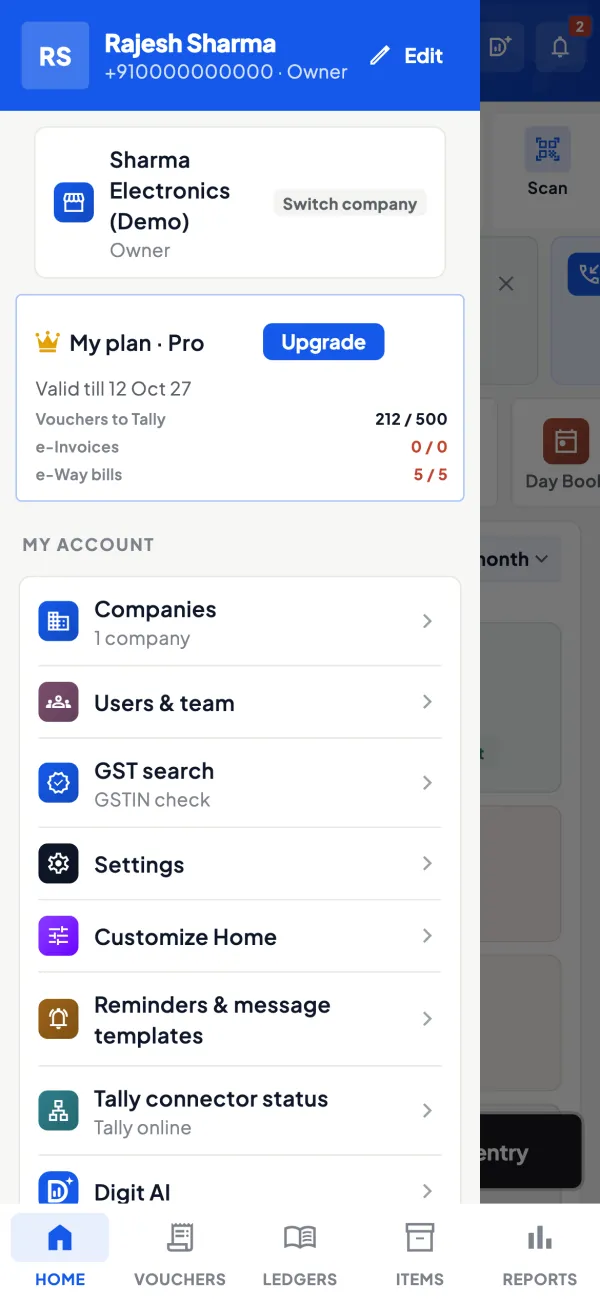
If branches are separate Tally companies, Cashflow OS lets you add several companies to one account and switch between them on the phone or web app, with sales, receipts, cash, bank and outstanding for each. Roles are set per company — owner, admin, accountant, staff, salesperson — so a branch team sees its own company. The owner can see team activity. Reports export to Excel and PDF. See multi-company.
Avoid these
Common mistakes
- MistakeDifferent item and ledger names at each branchDo this instead
Use the same ledger names, item names and stock groups everywhere, so reports compare and combine cleanly.
- MistakeStock sent but never confirmed as receivedDo this instead
Have the receiving branch record receipt the same day and report differences within 24 hours.
- MistakeTreating transfers to another-state branch as non-taxableDo this instead
Between different GSTINs a transfer is generally a supply needing a tax invoice; confirm valuation with your CA.
- MistakeNobody clearly responsible for branch accountsDo this instead
Name a branch accountant with a central reviewer, or one central team, and write down who approves what.
Keep handy
Checklist
Managing multiple branches — 8 checks. Tick them as you go.
In Cashflow OS
How Cashflow OS helps
Cashflow OS puts your TallyPrime books on every phone in the team. Where it fits this topic:
Every branch company in one account
If branches are separate Tally companies, add them all to one account and switch between them on phone or web, with sales, receipts, cash, bank and outstanding for each.
See Multiple Tally companies in one account
Roles set per company
Give each person a role per company, such as accountant, staff or salesperson, so a branch team sees its own company. Reports export to Excel or PDF.
See Team roles and access
Questions people ask
Should each branch be a separate company in Tally?
Is stock transfer between branches taxable under GST?
How do I see profit for each branch?
How often should branch stock be counted?
Do I need a separate bank account for each branch?
Can one GSTIN cover several branches in the same state?
Should branch managers see the whole company's accounts?
How do I compare branches fairly?
This page is general information for Indian businesses, not tax, legal or financial advice. Rules and rates change — check the official portals or your CA before acting.