Running the business Team
Delegating accounts work to staff
Most owners do too much of the accounts themselves because they fear losing control. The fix is not to do everything, but to split the work clearly, give each person only the access they need, and keep a few checks only the owner does.
- Business owners
- Distributors with office staff
- Accountants
- Office managers
- Growing MSMEs

On this page 11
What to hand over first
Delegate the work that is frequent, rule-based and easy to check. Keep the decisions.
| Delegate | Keep (or approve) |
|---|---|
| Sales billing and delivery documents | Credit limits for new customers |
| Entering purchase bills | Special rates and discounts beyond the price list |
| Recording receipts and payments | Releasing payments above a set amount |
| Sending payment reminders and statements | Writing off balances or issuing large credit notes |
| Bank reconciliation | Adding new bank accounts or new suppliers |
| Preparing GST data for the CA | Signing off returns before filing |
A sample responsibility chart for a 15-person distributor
| Person | Daily work | Cannot do |
|---|---|---|
| Billing staff | Sales invoices, delivery challans, stock issues | Change rates or customer credit limits; delete bills |
| Accountant | Purchases, receipts, payments, journals, bank reconciliation | Make payments without approval above the limit |
| Salespeople | Take orders, record collections, share catalogues | See the company's accounts or other salespeople's customers |
| Collections executive | Follow up overdue bills, send statements | Give discounts or extend credit |
| Owner | Approvals, daily review, credit decisions | — |
Write this down and share it. Unclear roles cause more mistakes than dishonest ones.
Give access by role, not by trust
Sharing one Tally login with everyone is the most common weakness in small businesses. If something goes wrong, you cannot tell who did it, and you cannot remove one person's access without changing it for all.
- Give each person their own login.
- Grant only what their job needs: billing staff do not need the bank book; salespeople do not need the P&L.
- Remove access the day someone leaves.
- Restrict altering or deleting old vouchers to one or two senior people.
More in user roles and access control and giving your accountant access safely.
Checks the owner should never delegate
- Daily cash and bank balance. Two minutes, every day.
- Daily sales and receipts against the same day last week.
- Cancelled, altered or deleted bills. Ask about each one.
- Credit notes and discounts above a threshold. These are where money quietly leaves.
- New parties created. A new supplier you have never heard of deserves a question.
- Monthly party balance confirmations for the top customers and suppliers.
These six checks are the backbone of internal controls in a small business.
Training and handover
- Write short checklists for each routine: how to enter a purchase bill, how to record a receipt against bills, what to do with an unidentified bank credit.
- Sit with the person for the first week. Review every entry together. Then review a sample daily for a month.
- Fix ledger names and voucher types first. Staff make fewer mistakes when there is only one obvious ledger for each thing.
- Expect mistakes and set up a way to catch them. A weekly review of the day book by the senior accountant is enough for most businesses.
- Avoid single points of failure. Two people should know how to do each key task, so leave or resignation does not stop billing.
A practical tip: keep a shared list of questions staff raise during the first month — which ledger for a transporter's bill, how to treat a part payment, what to do when a customer pays two bills in one transfer. Answer each once, add it to the checklist, and the same question rarely comes back. Over time this list becomes the manual for the next person you hire.
Signs delegation is working
You know it is working when month-end close happens without you, party balances agree when customers check them, the bank is reconciled every month, and you spend your accounts time on decisions — credit, pricing, purchases — instead of entries. If you are still correcting entries every evening, the problem is usually unclear roles or missing checklists, not the staff.
Delegating with Tally and Cashflow OS
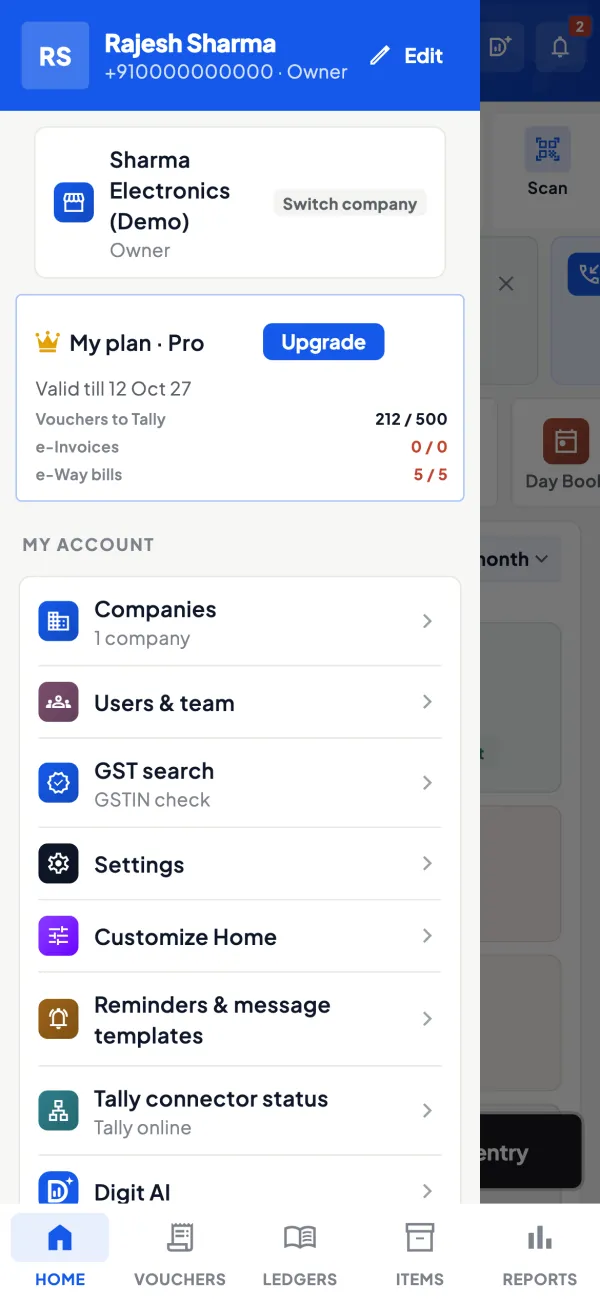
Cashflow OS has roles per company: owner, admin, accountant, staff and salesperson. A salesperson sees items and their own customers, not the company's accounts. Orders from frontline staff can be set to need approval before they reach Tally, and writing back to Tally stays off until the owner switches it on. Deleting a voucher needs a reason and an authorised user. The owner can see the team's activity, and the app can be locked with fingerprint, face or PIN. See team roles.
Avoid these
Common mistakes
- MistakeSharing one Tally login with everyoneDo this instead
Give each person their own login, so every entry is traceable and access can be removed for one person.
- MistakeLetting anyone alter or delete old vouchersDo this instead
Restrict alteration and deletion to one or two senior people, and review the changed list.
- MistakeHanding over without written checklistsDo this instead
Write short steps for each routine and add answers to staff questions so the list becomes the manual.
- MistakeOnly one person knows billingDo this instead
Train two people for each key task, so leave or resignation does not stop work.
Keep handy
Checklist
Delegating accounts work to staff — 8 checks. Tick them as you go.
In Cashflow OS
How Cashflow OS helps
Cashflow OS puts your TallyPrime books on every phone in the team. Where it fits this topic:
Roles per company
Owner, admin, accountant, staff and salesperson roles; a salesperson sees items and their own customers, not the accounts. Deleting a voucher needs a reason.
See Team roles and access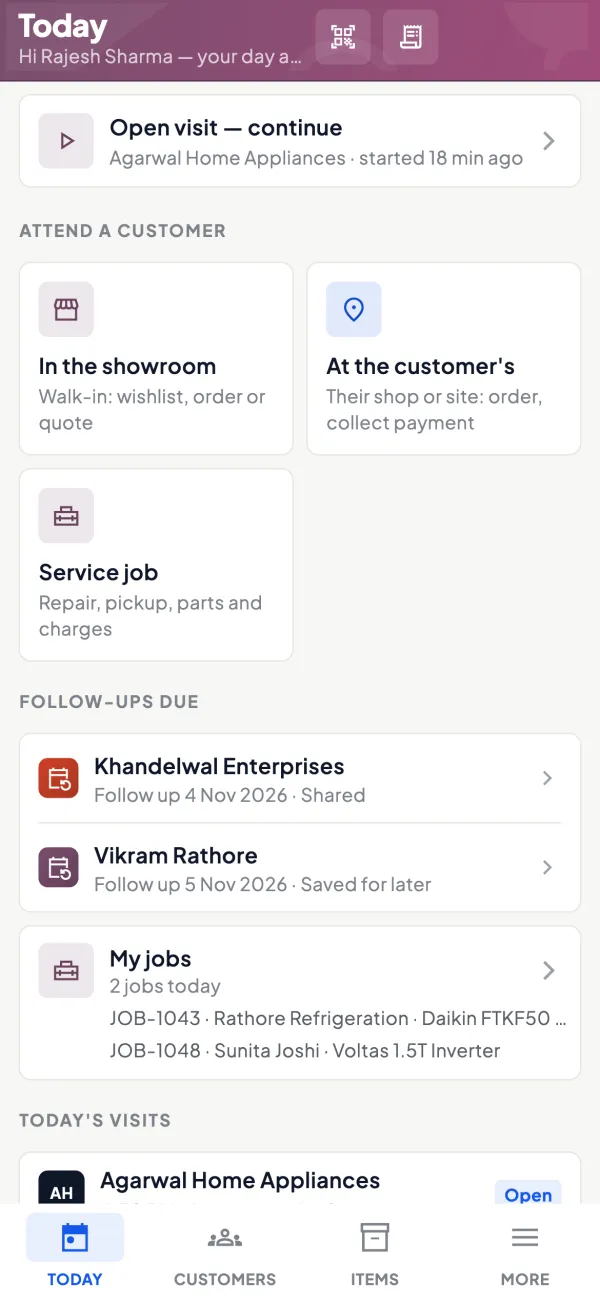
Owner alerts and daily summary
Get a push alert when vouchers are added, changed or deleted in Tally, and an evening summary of sales, receipts, payments and purchases.
See Tally on mobile
Questions people ask
Should staff share one Tally login?
What accounts work should the owner keep?
How do I stop staff deleting bills?
How long does it take to hand over billing to a new staff member?
Which accounts work is easiest to delegate first?
How do I know if a staff member made a mistake?
Should salespeople see the P&L?
What should happen when a staff member leaves?
This page is general information for Indian businesses, not tax, legal or financial advice. Rules and rates change — check the official portals or your CA before acting.