Does it change my Tally data?
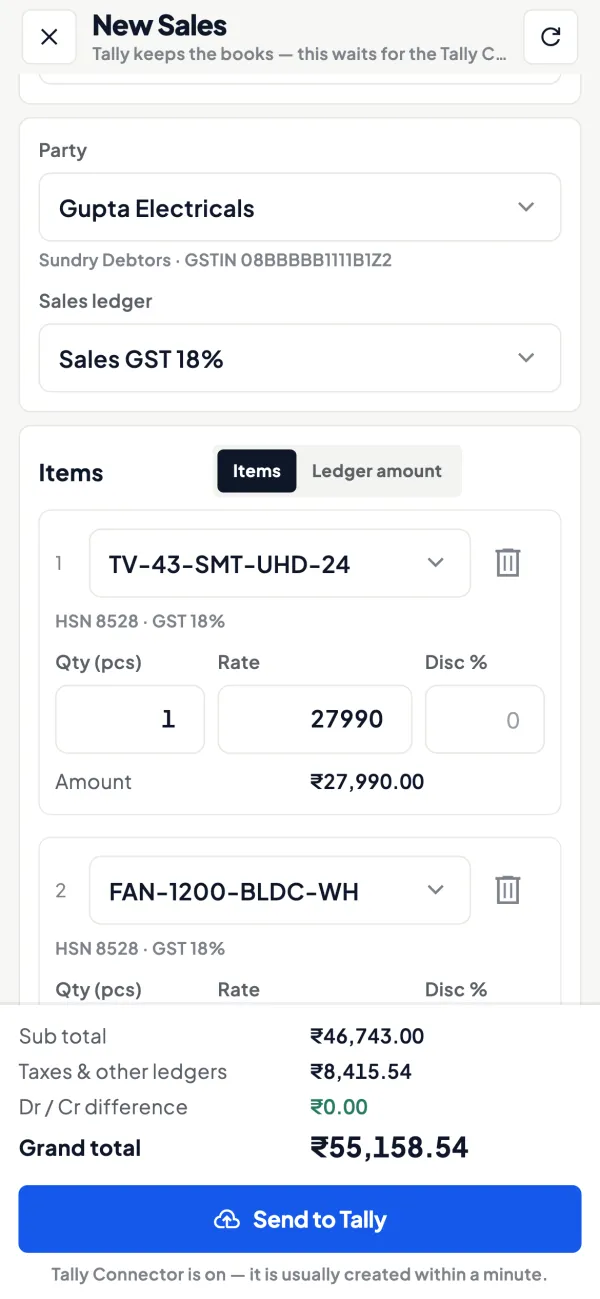
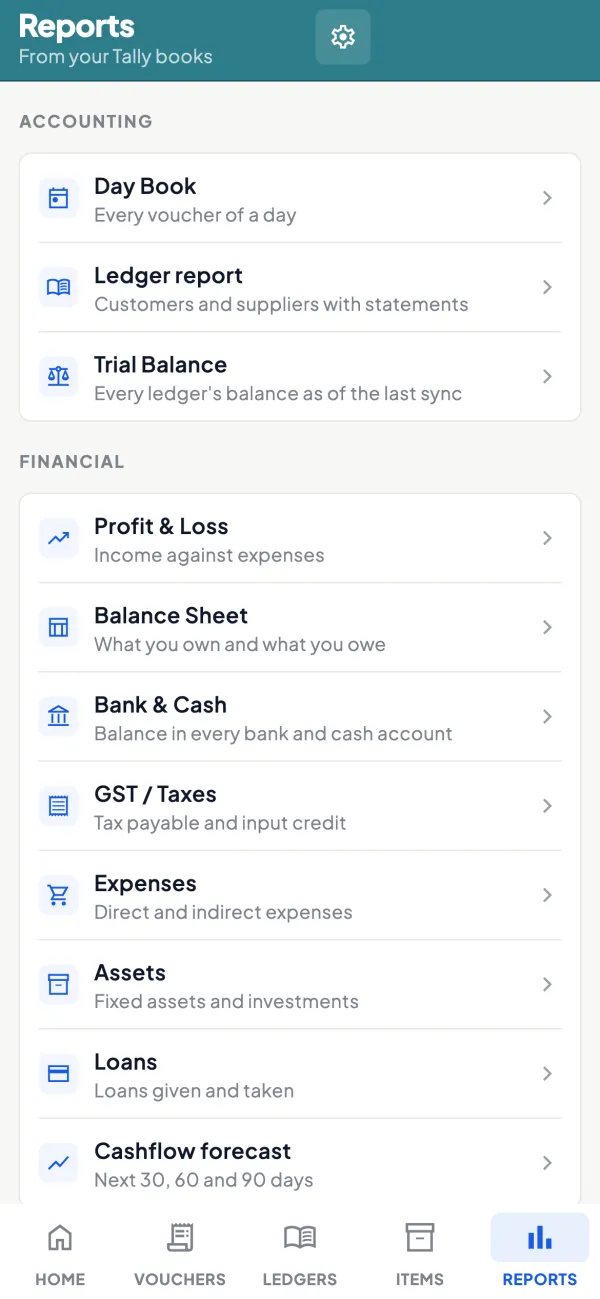
Only if you let it. Out of the box Cashflow OS only reads. When you switch writing on for a company, the entries made in the app are created by TallyPrime’s own import, so Tally’s rules still apply, and the app shows each one as waiting, created or refused.
Which Tally versions does it work with?
TallyPrime is what we test with, including creating entries. Tally.ERP 9 uses the same XML port, so reading your books usually works; tell us if yours does not.
What does the PC need?
Windows with .NET Framework 4.6.2 or later (built into Windows 10 and 11) and TallyPrime open. The connector runs in the tray and updates itself.
Does the PC need to stay on?
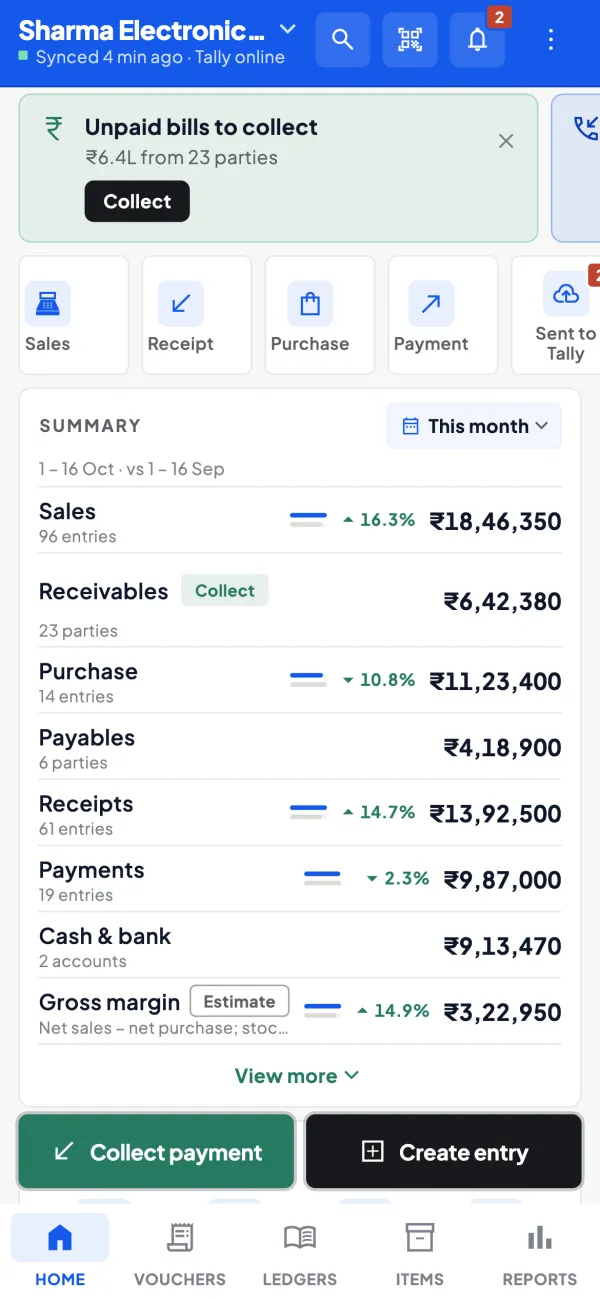
Only for syncing, and for new entries to reach Tally. An entry made while the PC is off waits, and goes in when Tally is open again.
Does it work offline?
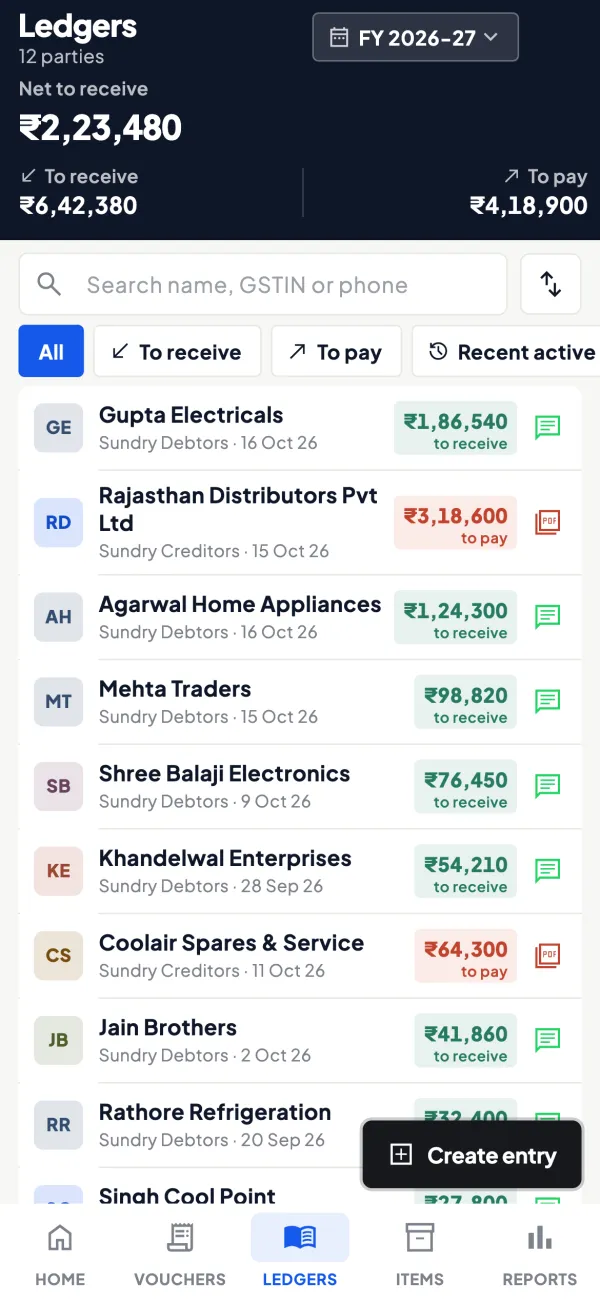
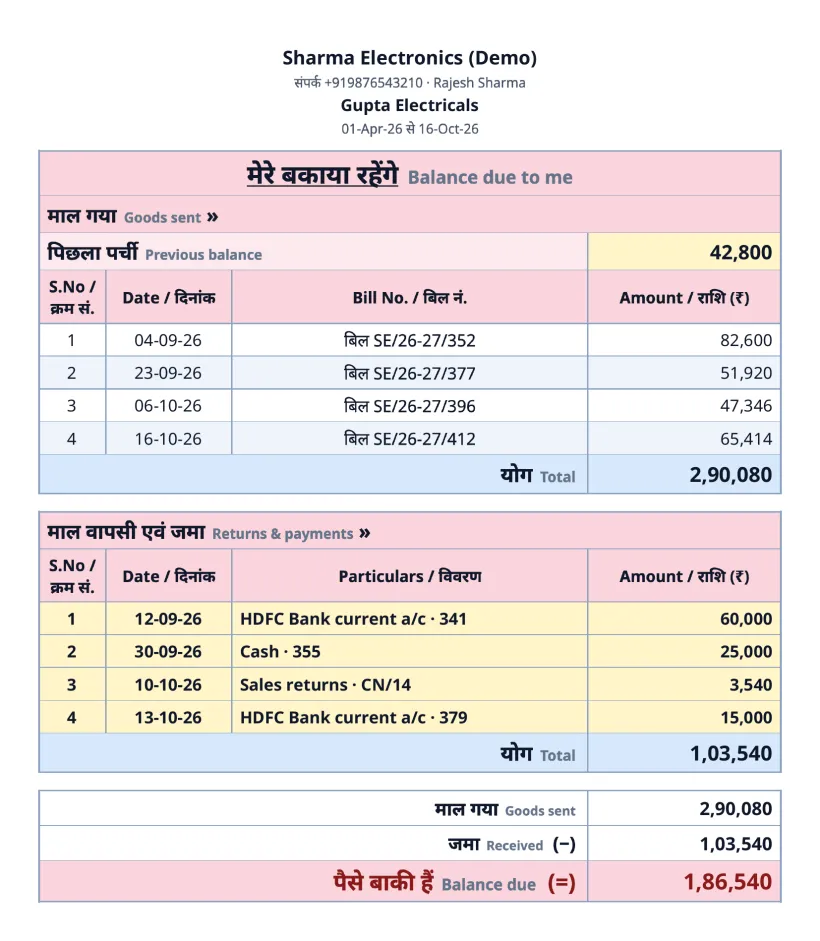
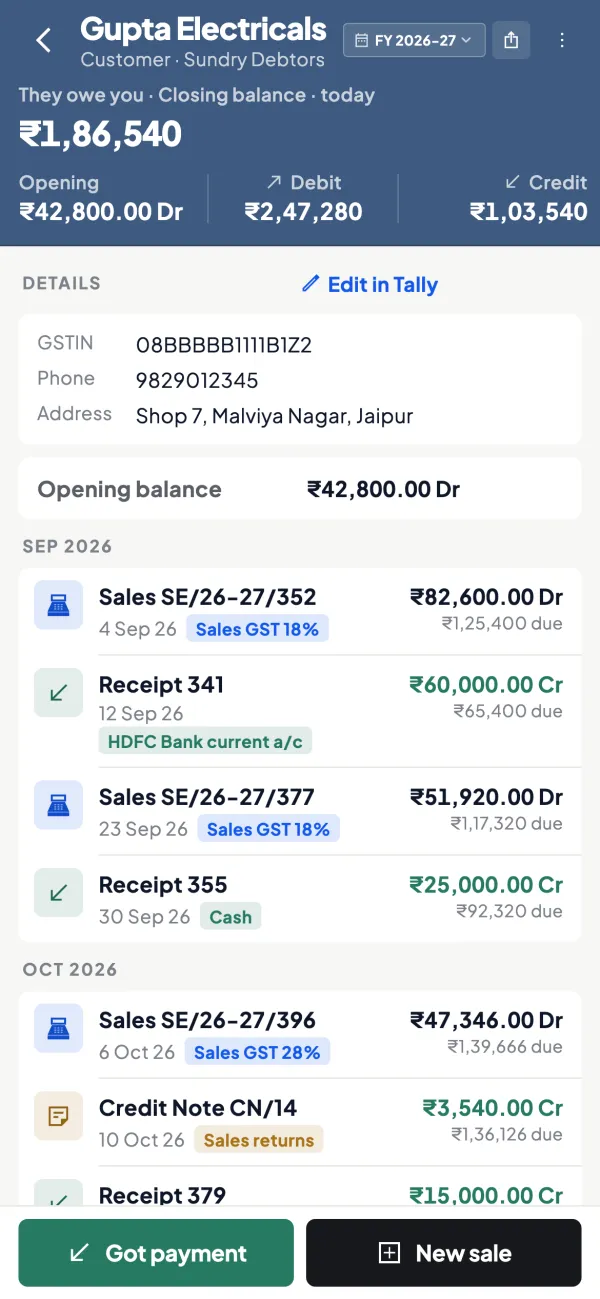
Yes, for reading. Once synced, ledgers, statements and items open without internet. Creating an entry needs internet on the phone.
Is there an iPhone app?
Yes — it is with Apple for review and will be on the App Store soon. Until then, use the web app in your iPhone’s browser.
Yes. Get it from the App Store and sign in with the same mobile number.
Can my accountant or staff use it?
Yes. Invite them with a link; they sign in with their own number and get the role you choose for that company.
What are add-ons?
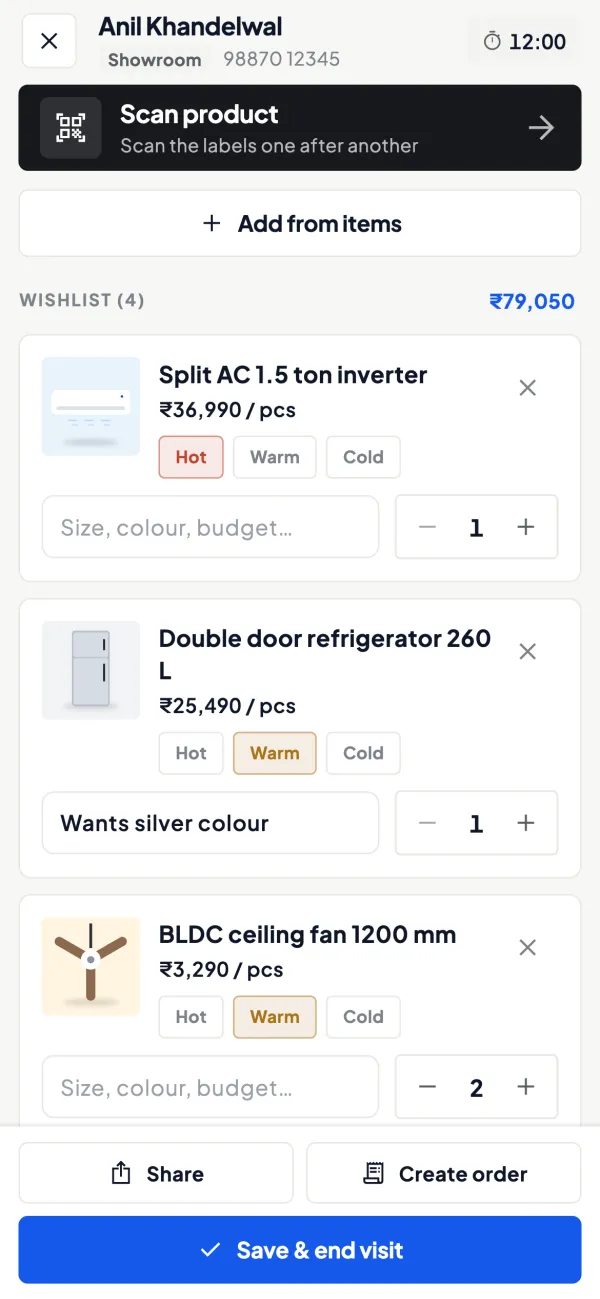
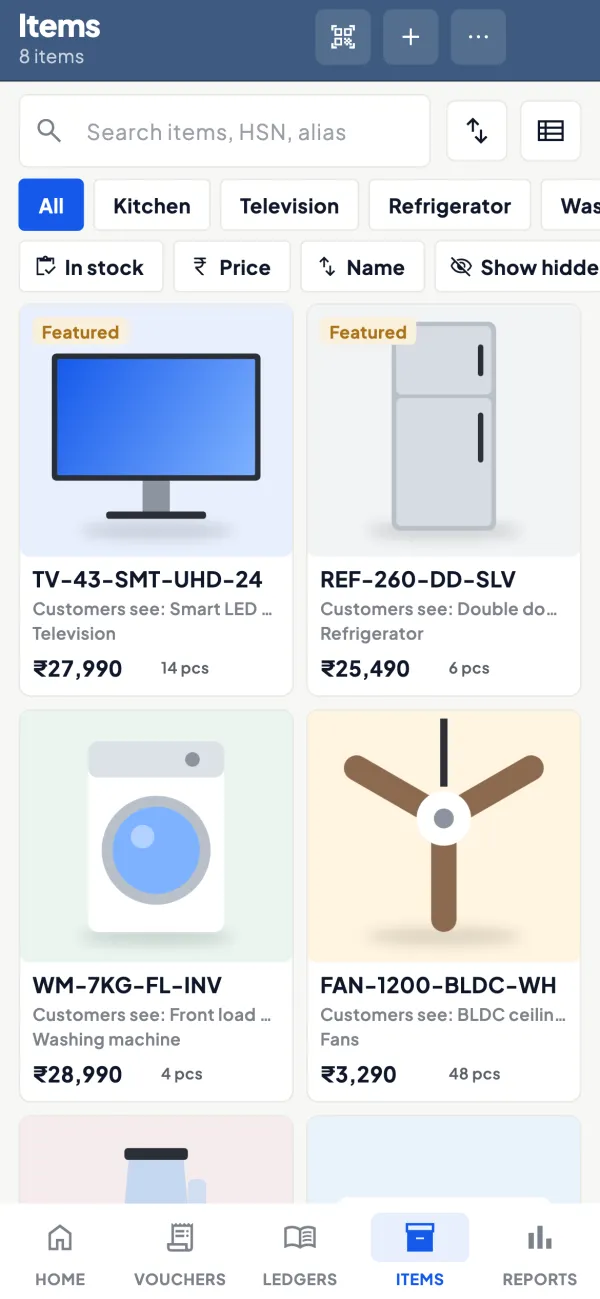
Selling tools over and above Tally — showroom walk-ins, field visits, barcodes and labels, an online catalogue, wishlists and sales orders. We switch them on for your company when you need them.
What does it cost?
Every company starts with a 14-day free trial. After that it moves to Pro; contact us for the price for your business.