Multi-branch
Cashflow OS for multi-branch businesses
Once a business has two or three branches, or a few firms under one family, the owner's real problem is not any one set of books. It is seeing all of them without driving to each office. Cashflow OS shows several TallyPrime companies in one account, each with its own team and roles, on the phone and the web.
- Every branch on one phone
- Roles set per branch
- Transfers entered at source
- Each branch stays in Tally
Start free trialBook a free demo
Works with your TallyPrime14-day free trialJaipur team, call +91 70738 53555

Built for multi-branch businesses
Who it’s for
- Retail chainsTwo to ten stores, each with its own counter
- Distributors with depotsGodowns in several towns, one owner
- Family groups of firmsProprietorship, partnership and company
- Multi-state tradersA separate GSTIN in each state
- Showroom groupsSeveral showrooms selling the same range
- Service centre networksBranches sharing spare parts
- Manufacturers with sales officesFactory books plus branch depots
- Wholesalers with city godownsStock moved between godowns daily
Pain → fix
The problems we fix
The everyday headaches of multi-branch businesses, and what changes when the books are on every phone.
- The problemBranch figures come in late, in different formats
By the time the month-end sheet arrives, the problem is a month old.
With Cashflow OSEvery branch's Home screen on your phoneSales, receipts, payments, cash and bank for each branch company, read from its Tally books.
See how it works - The problemOwner remotes into three PCs every night
Remote desktop works only when the branch PC is free and the network holds.
With Cashflow OSSwitch branches in one app or on the webSeveral Tally companies sit in one account; the web app at app.cashflowos.in shows the same.
See how it works - The problemBranch accountant can see head office books
One shared login means everyone sees everything.
With Cashflow OSRoles per company, per personThe Jaipur accountant gets the accountant role in Jaipur and no access to Udaipur at all.
See how it works - The problemBranch transfers booked at one end only
Goods leave Jaipur, Udaipur books the receipt a week later, and both stocks are wrong.
With Cashflow OSDelivery and receipt notes posted from the phoneThe sending branch posts the delivery note and the receiving branch the receipt note as the goods move, each in its own Tally company.
See how it works - The problemNo like-for-like comparison of branches
Different date ranges and habits make every comparison an argument.
With Cashflow OSSame reports and date ranges, exported to ExcelRun the same report for each branch over the same dates and put them side by side in Excel.
See how it works - The problemChanges in a branch's Tally go unnoticed
A bill altered or deleted at a branch is found at audit, if at all.
With Cashflow OSPush alerts when vouchers are changed or deletedOwners get a notification when vouchers are added, changed or deleted, and an evening summary of the day.
See how it works
Features
How Cashflow OS works for multi-branch businesses
Each branch's day at a glance
How it works. Home shows sales, purchases, receipts, payments, cash and bank against the period before for the company you pick. Switch companies to move between branches.
- No waiting for branch managers' reports
- Same screen for every branch
- Evening summary of the day on your phone
In practiceFrom the Delhi head office, the owner checks Jaipur, Ajmer and Udaipur before 10 am: Ajmer's receipts are far below its sales for the third day running.

Branch transfers entered where the goods move
How it works. With writing switched on, branch staff create delivery notes, receipt notes and stock journals from the app; each goes into that branch's Tally company through the connector.
- Both ends of a transfer booked the same day
- Tally validates each entry
- Writing switched on branch by branch
In practiceThe Jaipur godown sends 200 cartons to Ajmer at 11 am and posts the delivery note; Ajmer posts the receipt note when the truck arrives at 4 pm.

Ledgers and outstanding by branch
How it works. Each branch's ledgers, party balances and bill-wise outstanding with ageing, synced from its own Tally books.
- See which branch is giving too much credit
- Branch customers get statements on WhatsApp
- Supplier dues per branch, before they clash
In practiceBranch A sells ₹60,00,000 a month with ₹1,20,00,000 outstanding; Branch B sells ₹40,00,000 with ₹40,00,000 outstanding. The ageing shows where A's money is stuck.

Compare branches with the same reports
How it works. P&L, Balance Sheet, Day Book, expenses and stock summaries for any date range, exported to Excel or PDF for each branch.
- Same dates for every branch, even across years
- Combine branches in Excel when you need a total
- Spot sudden jumps in small expense heads
In practiceAt quarter-end the owner exports each branch's P&L for July–September to Excel and finds electricity at one store up by ₹38,000.

Know your trade
A guide for multi-branch businesses
How the business works, where money gets stuck, and the GST points to watch.
How multi-branch businesses keep their books
There is no single right structure, and the choice affects how you will see the numbers later. The common patterns in Tally are:
| Structure | When it is used | Effect on reporting |
|---|---|---|
| One company, branches as cost centres or godowns | Same GSTIN, branches in one state | One set of books, branch view through cost centres or godowns |
| Separate company per branch | Different GSTINs (other states) or separate management | Each branch has its own complete books |
| Separate firms under one family | Proprietorship plus partnership plus company | Separate legal books; owner wants them side by side |
A business with a branch in another state needs a separate GST registration there, and goods moving between them are usually treated as a supply. See GST on stock transfers between branches and confirm current rules on gst.gov.in. This is general information, not tax advice.
What goes wrong as branches grow
- Information lag: branch managers send figures at month-end, by which time a problem is a month old.
- Different habits: one branch books receipts daily, another weekly, so comparisons mislead.
- Too much access: a branch accountant given full access to the head office books.
- Owner fatigue: remote desktop into three PCs every night is not a management system.
Our guide on managing multiple branches covers the people side; the rest of this page covers the tools.
Several Tally companies, one account
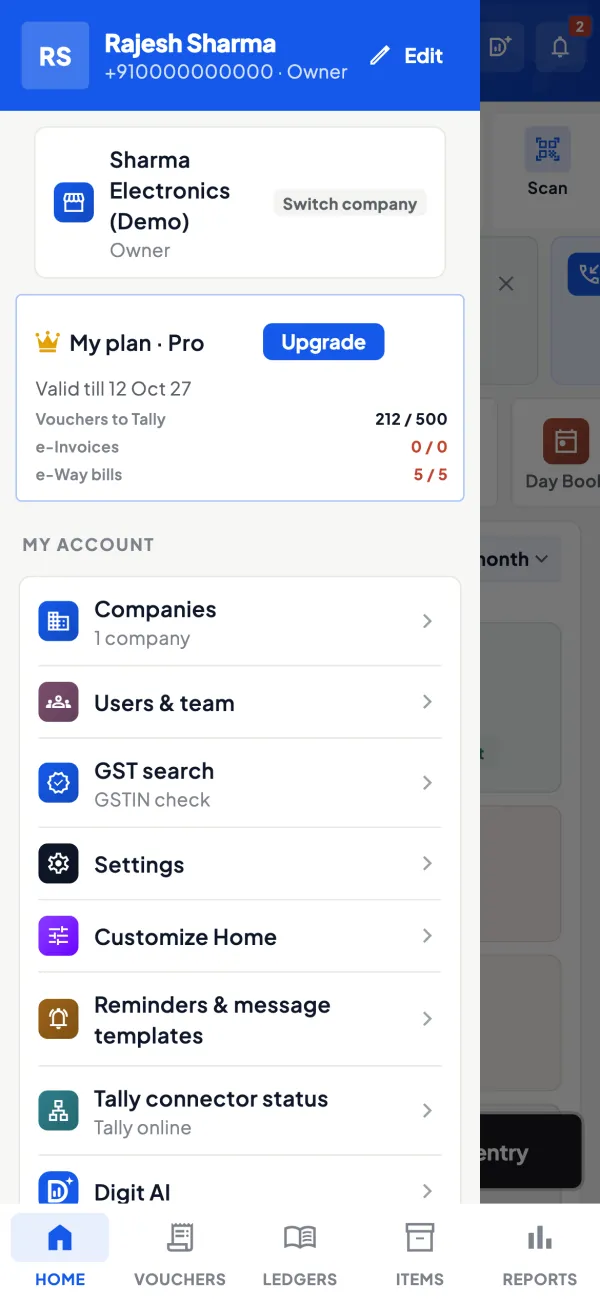
Cashflow OS shows several Tally companies in one account, and you switch between them. Each company's data comes through the connector on the PC where that company is open in TallyPrime. If all branches' companies are on one central PC, one connector covers them; if each branch runs Tally on its own PC, the connector runs there.
For each company you see the same screens: Home with sales, purchases, receipts, payments, cash and bank against the period before; ledgers and bill-wise outstanding; reports including Profit & Loss, Balance Sheet, Day Book and stock summaries; and GSTR-1 and GSTR-3B views.
Teams and roles per company
Roles are set per company: owner, admin, accountant, staff and salesperson. That means the Jaipur branch accountant can have the accountant role in the Jaipur company and no access to the Udaipur company at all. A salesperson sees items and their own customers, not the company's accounts. The owner sees everything and can see each team's activity in the app.
Writing into Tally is switched on per company too. You might allow branch staff to post receipts and sales orders in one branch while another branch stays read-only until its Tally discipline improves.
Comparing branches fairly
To compare like for like:
- Pick the same date range for every company; custom ranges can even span financial years.
- Look at sales, gross margin and receivables together. A branch with high sales and 90-day receivables may be worse than a smaller, faster-paying one.
- Export each branch's Profit & Loss and outstanding to Excel and put them side by side.
- Check expenses by head; branch rent and salaries vary, but sudden jumps in small heads often point to leakage.
A quick example: Branch A sells ₹60,00,000 a month with ₹1,20,00,000 outstanding (about 60 days of sales). Branch B sells ₹40,00,000 with ₹40,00,000 outstanding (about 30 days). Branch B is turning sales into cash twice as fast.
Practical set-up tips
- Name companies in Tally clearly, with the branch name, so switching in the app is unambiguous.
- Keep ledger and item names consistent across branches; it makes exported reports far easier to combine.
- Invite each branch team only to its own company.
- Use the web app at head office: sign in by scanning a QR with your phone, no password to remember.
- Agree a daily habit with every branch: receipts and payments entered the same day. The owner's view is only as current as the slowest branch's Tally.
- Lock the app with fingerprint, face or PIN on phones that branch staff share.
Start with one branch for a couple of weeks, read the numbers every evening, and fix the naming and posting habits there before inviting the next branch. Rolling out to all branches on day one tends to expose every inconsistency at once, and the owner ends up debugging Tally habits instead of running the business.
This page is general information for Indian businesses, not tax, legal or financial advice. Rules and rates change — check the official portals or your CA before acting.
Set-up
Up and running in 4 steps
No new software to learn for your accountant — Tally stays as it is.
- 1
Install the Tally Connector on each PC where a branch company is open
- 2
Sign in with your mobile number and scan each connector's QR
- 3
Name companies clearly in Tally, with the branch name
- 4
Invite each branch team only to its own company, with a role
Buyer’s checklist
What to look for in software for multi-branch businesses
Whatever you choose, check these before you commit.
- Every branch's numbers on one phone without remote desktop
- Access per branch and per person, not one shared login
- Branch transfers recorded at both ends as the goods move
- The same reports and date ranges for every branch
- Exports to Excel to combine or compare branches
- Alerts when entries are changed or deleted at any branch
- Writing permissions that can differ from branch to branch
- Works with the Tally structure you already have, not a forced new one
Plans
Simple yearly plans
- 14-day free trial on your own books
- 3-year term saves up to 25%
- Premium modules (catalogue, field force, price lists, store…) priced extra
Start free trialGet the price for your business
Compare all plans- Growth₹3,000/year + GSTBooks, reports, outstanding and sharing
- Pro₹5,000/year + GSTEverything in Growth, plus entries into Tally
- Pro+₹7,000/year + GSTEverything in Pro, plus e-invoice and e-way bill
Why Cashflow OS
Why multi-branch businesses choose Cashflow OS
- Fits your current Tally structureSeparate companies, family firms or one PC with many companies: the connector reads what Tally has open.
- One login for all your companiesSwitch between branches on the phone or the web app.
- Roles that stop at the branch doorEach person is invited per company with a role that fits.
- Entries at the branch, checked by TallyDelivery notes, receipt notes and vouchers post into the right company.
- Alerts and an evening summaryKnow when vouchers change, and how the day went, without calling anyone.
- Web app for head officeSign in by scanning a QR with your phone, no password to remember.