Union territory · GST state code 07
Tally on mobile for businesses in Delhi
Delhi is north India's largest trading centre and a services economy, with wholesale markets that supply goods to Haryana, Uttar Pradesh, Punjab, Rajasthan, Uttarakhand and beyond.
- Outstation buyer dues by state
- Shop in Old Delhi, godown on phone
- E-way bills on Pro+
- Proforma PDFs on WhatsApp
Start free trialBook a free demo
Works with your TallyPrime14-day free trialSupport on call and WhatsApp in Hindi or English, +91 70738 53555
 GST state code07
Local trade
Trades in Delhi
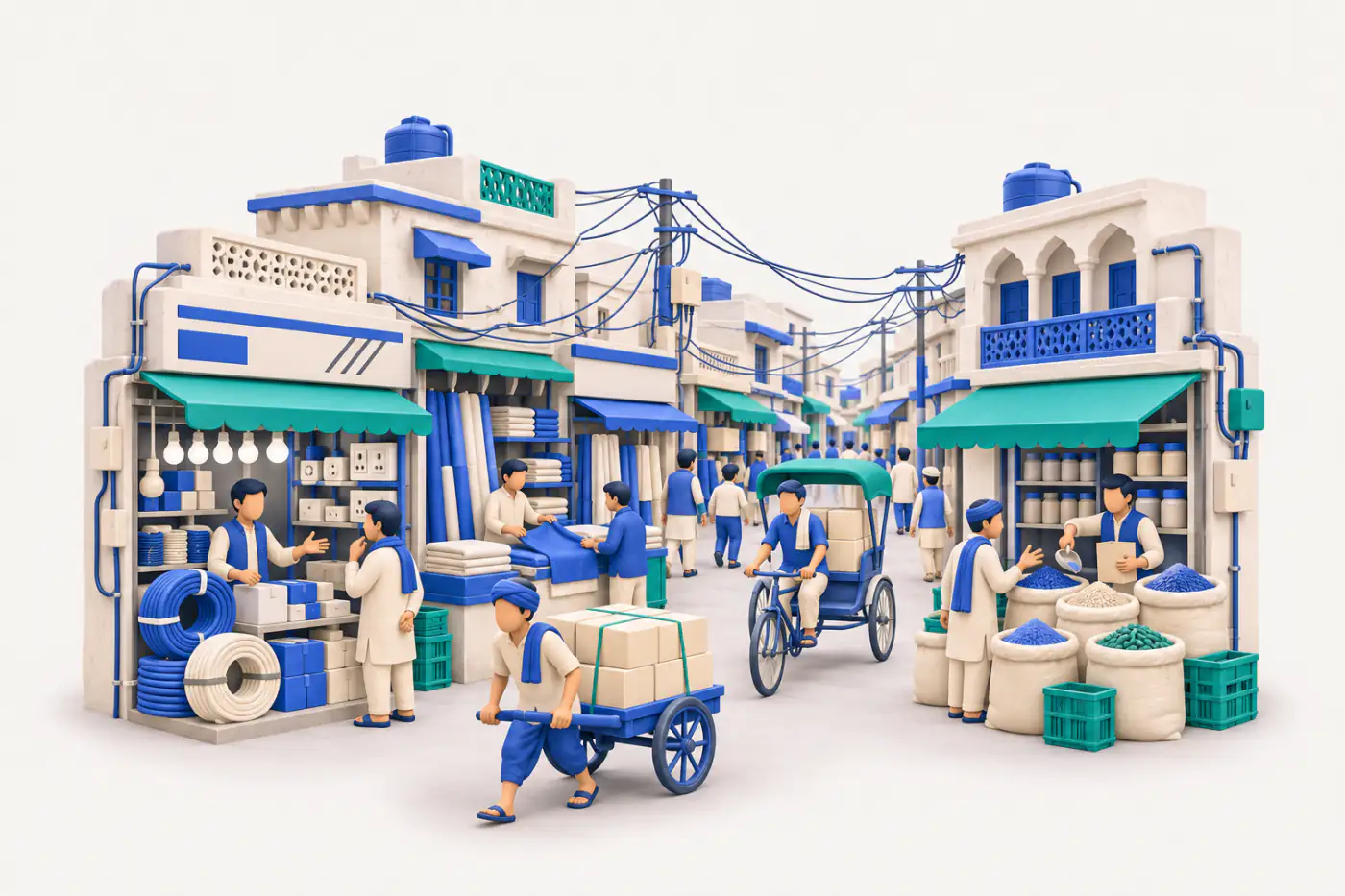
Delhi is north India's largest trading centre and a services economy, with wholesale markets that supply goods to Haryana, Uttar Pradesh, Punjab, Rajasthan, Uttarakhand and beyond. Old Delhi's markets specialise trade by street — spices and dry fruits at Khari Baoli, textiles around Chandni Chowk, electronics at Lajpat Rai Market. Industrial areas such as Okhla, Naraina, Mayapuri, Wazirpur and Bawana house small manufacturers and godowns.
Traders from across north India buy from Delhi's specialised wholesale markets, either visiting in person or ordering by phone and sending transport. Delhi distributors therefore often bill a large share of sales to other states, which makes inter-state GST and transport documents part of everyday work. Many businesses keep their office in the old markets and their godowns on the city's outskirts or in neighbouring NCR towns.
Known for
- Wholesale trade for north India
- Spices and dry fruits
Main trading cities
Business languages
- Hindi
- English
- Punjabi
- Urdu
Industries we see most in Delhi
 IndustryElectronics and appliance dealersWalk-ins followed up on WhatsApp
 IndustryTextile wholesaleMetres, thans and bales sorted
 IndustryGrocery wholesaleHindi हिसाब on WhatsApp
 IndustryElectrical goods distributorsDealer rates fill themselves
 IndustryAuto parts dealersFind parts by number fast
 IndustryStationery and book businessesSeason rush, faster counter
 IndustryToys and giftsCatalogue retailers can browse
 IndustryHardware and sanitarywarePlumber dues bill by bill
Pain → fix
Problems Delhi businesses tell us about
What gets stuck when the books are only on the Tally PC, and what changes with Cashflow OS.
- The problemMost bills go to traders in UP, Haryana, Punjab and RajasthanWith Cashflow OS
IGST is applied from the buyer's state when you create the invoice from the phone, and Tally validates it before it is saved.
Create Tally vouchers from your phone - The problemOffice in the old market, godown in Bawana or across NCRWith Cashflow OS
Godown staff make a delivery challan in the app, and the office converts it into the Tally invoice.
Delivery challans - The problemOut-of-town buyers order by phone and send their own transportWith Cashflow OS
Send a proforma invoice PDF with your bank and UPI details on WhatsApp, then turn it into the Tally sales invoice.
Proforma invoices
1 cities
Cities in Delhi
Trading cities in Delhi and what each is known for.
How it works
How Cashflow OS works with your Tally
The same set-up for a business in Delhi as anywhere else — your accountant keeps working in TallyPrime.
- 1
Install the connector on the Tally PCA small Windows app on the PC where TallyPrime runs. It reads the companies open in Tally.
- 2
Scan the QR with your phoneSign in to the app with your mobile number and scan the QR the connector shows. Your Tally companies sync.
- 3
Invite your teamSend each person a link. Owner, accountant, staff and salespeople each get their own role.
- 4
Entries go back into TallyOrders, receipts and vouchers made on the phone are posted into Tally by the connector, where Tally checks them.

Plans
Simple yearly plans
- 14-day free trial on your own books
- 3-year term saves up to 25%
- Premium modules (catalogue, field force, price lists, store…) priced extra
Start free trialGet the price for your business
Compare all plans- Growth₹3,000/year + GSTBooks, reports, outstanding and sharing
- Pro₹5,000/year + GSTEverything in Growth, plus entries into Tally
- Pro+₹7,000/year + GSTEverything in Pro, plus e-invoice and e-way bill
Why Cashflow OS
Why Delhi businesses choose Cashflow OS
- Know who owes whatBill-wise outstanding and ageing from Tally, so collections start with the right number.
- Help in Hindi or EnglishSet-up help and support on call, WhatsApp or video from our Jaipur team, +91 70738 53555.
- Hindi or English, per personThe owner can read reports in English while the counter staff use the app in Hindi.
- Entries go back into TallyOrders, receipts and vouchers made on the phone are posted into Tally by the connector, where Tally checks them.
- Your Tally stays the booksCashflow OS works on top of TallyPrime. Nothing to migrate, no second set of books.
- Alerts on changes in TallyA push notification when vouchers are added, changed or deleted, and an evening summary of the day.
Questions Delhi businesses ask
What is Delhi's GST state code?
Can I make e-way bills for loads going out from Delhi?
We have separate firms in Chandni Chowk and Okhla. One login?
Is there a Cashflow OS office in Delhi?
Can I get set-up help and support in Delhi, in Hindi or English?
Nearby