What can an AI accounting assistant actually do?
An AI accounting assistant is good at finding, summarising and explaining figures that already exist in your books, and weak at anything that needs facts it has not seen, current law, or a judgement call.
- Business owners
- Accountants doing month-end checks
- Sales managers
- Owners new to Tally reports
- Teams on TallyPrime

On this page 11
Two very different kinds of assistant
Before asking what an assistant can do, ask what it can see.
- A general chat assistant knows a lot about accounting concepts but nothing about your business unless you paste data into it. It can explain what a trial balance is. It cannot tell you your trial balance.
- An assistant connected to your books reads your ledgers, vouchers and stock. It can answer “how much does Gupta Traders owe?” with a real figure, and should be able to show which entries it used.
Most disappointment with AI in accounts comes from asking the first kind a question only the second kind can answer.
Questions a connected assistant answers well
| Type of question | Example |
|---|---|
| Lookup | “What is the balance of Sharma Hardware today?” |
| Ranking | “Top 10 customers by sales this financial year.” |
| Comparison | “Sales in October vs September, by stock group.” |
| Filtering | “Bills over ₹50,000 unpaid for more than 60 days.” |
| Explaining | “Why is this month's gross profit lower than last month?” |
| Summarising | “Give me a five-line summary of this week's business.” |
These replace several clicks through reports, and they let an owner who does not know the report menus get answers directly. The “explaining” kind needs the most care: the assistant can point to the movements in the numbers, but the business reason (a supplier price rise, a lost customer) is often something only you know.
Tasks it should not be trusted with
- Tax advice. Whether a supply is exempt, whether ITC is blocked, which TDS rate applies to a payment. These depend on current notifications and your facts. Ask your CA and check the official portals.
- Filing returns. GST and income-tax returns are filed on the government portals by you or your authorised representative.
- Forecasts presented as facts. An assistant can project from past data, but a projection is an estimate. Read our guide on AI cash flow forecasting for how to treat one.
- Anything about data it has not been given. If your books for March are not synced or not entered, the answer about March will be wrong or empty.
- Final approval. Posting a payment, writing off a debt, changing a party's credit limit.
How to check an assistant's answer
Build three habits:
- Ask for the source. “Show me the vouchers behind this figure.” A good assistant can list them.
- Spot-check with a report you trust. If it says outstanding is ₹14,20,000, open the outstanding report once and compare.
- Watch the period. Many wrong answers come from a different date range than you meant. Say “for 1 April 2026 to 31 October 2026” instead of “this year”.
Also watch for an answer that is too neat. Real books have odd entries, on-account amounts and round-offs. If an answer has none of that, ask how it was worked out.
Who in the business gets the most out of it
- Owners who want answers on the phone without calling the accountant.
- Accountants who want a quick first pass on month-end checks before going into detail.
- Sales managers who want to know which dealers have slowed down before a review meeting.
Salespeople usually need a narrower view, such as their own customers and items, rather than the full books. Restrict access by role, as you would for any reports. See user roles and access control.
Good first questions to try
- “Which customers bought from us last year but not in the last three months?”
- “How much cash and bank balance do we have across all accounts today?”
- “Which supplier bills are due this week?”
- “What are the five biggest expense heads this quarter, and how do they compare with the same quarter last year?”
- “Which items have stock but no sale in 90 days?”
Each is something you could find in reports, but slowly. Each is easy to check.
The assistant in Cashflow OS
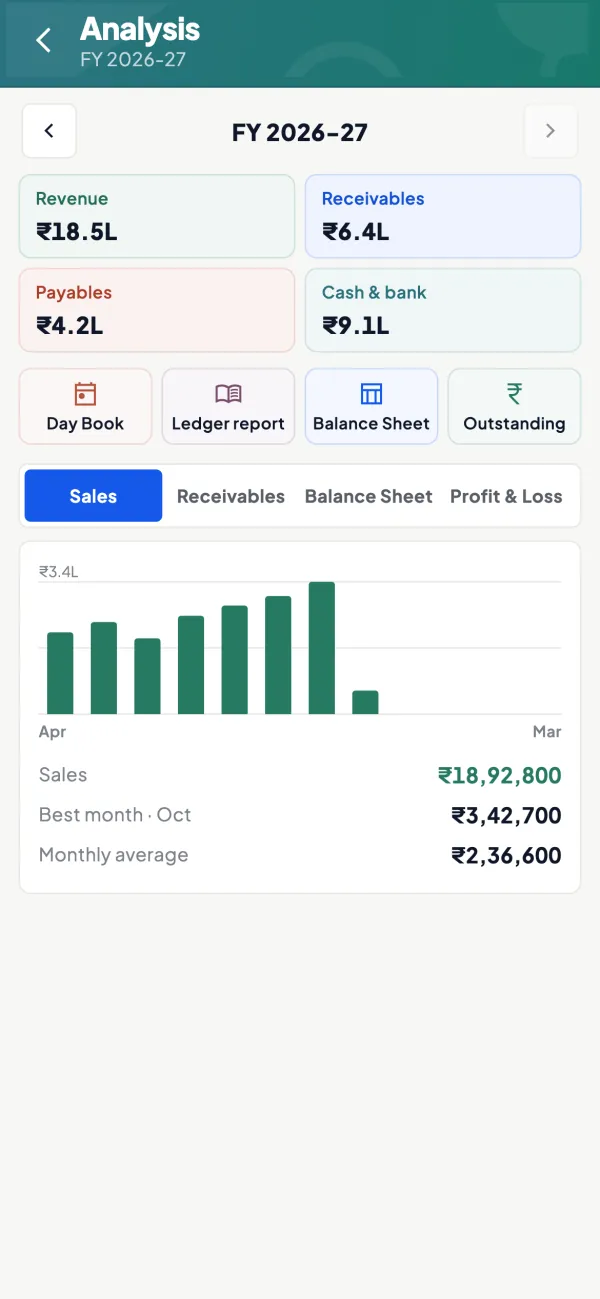
Cashflow OS has an AI assistant built into its app for businesses on TallyPrime. It answers questions from the books synced from Tally: ledgers, sales and purchases, outstanding, stock and reports. It is the connected kind, so the answers come from your data rather than general knowledge, and you can check them against the same reports in the app. It does not file GST returns and does not give tax or legal advice.
Avoid these
Common mistakes
- MistakeAsking a general chat assistant for your own balancesDo this instead
Use an assistant connected to your books for business figures; a general one only knows what you paste in.
- MistakeSaying "this year" instead of exact datesDo this instead
State the date range, such as 1 April 2026 to 31 October 2026, so the answer covers the period you mean.
- MistakeTreating a projection as a factDo this instead
Read forecasts as estimates and compare them with actual figures as the months go by.
- MistakeTaking tax advice from the assistantDo this instead
Ask your CA and check the official portals for rates, credits and exemptions.
Keep handy
Checklist
What can an AI accounting assistant actually do — 7 checks. Tick them as you go.
In Cashflow OS
How Cashflow OS helps
Cashflow OS puts your TallyPrime books on every phone in the team. Where it fits this topic:
Questions answered from your Tally data
Digit, the assistant in Cashflow OS, answers from the books synced from Tally; it is read-only and does not post entries, file returns or give tax advice.
See AI assistant
Reports to check the answer
The same synced data is in the app's reports, so you can open the outstanding or P&L report and compare with what the assistant said.
See Financial reports from Tally
Questions people ask
Can an AI assistant post entries into my books?
Does an AI assistant understand Hindi questions?
Why did the assistant give a different figure from my report?
Is a connected assistant safe for my data?
Can an AI assistant explain why profit fell?
What if some months are not synced or entered?
Should salespeople get the assistant too?
Does Digit in Cashflow OS give tax advice?
This page is general information for Indian businesses, not tax, legal or financial advice. Rules and rates change — check the official portals or your CA before acting.