AI and the role of the accountant
AI is taking over much of the typing, matching and report-pulling that fills an accountant's day, which makes the accountant's judgement, checking and advice more valuable, not less.
- In-house accountants
- Business owners
- Practising CAs
- Accounts assistants
- Finance heads of MSMEs

On this page 12
What changes for the in-house accountant
In a typical Indian MSME, the accountant enters bills, posts receipts and payments, reconciles the bank, prepares GST data, chases supplier statements, and answers the owner's questions. Roughly, the work splits into three kinds:
| Kind of work | Examples | Effect of AI |
|---|---|---|
| Data capture | Keying bills, bank entries | Shrinks: AI pre-fills, accountant checks |
| Matching and checking | Bank reconciliation, GSTR-2B match, duplicates | Faster: AI sorts, accountant resolves |
| Judgement and communication | Classifying unusual items, supplier disputes, explaining numbers to the owner | Grows in importance |
The accountant who was mostly a data-entry operator has to become a reviewer and explainer. That is a change in skill, and it needs support from the owner.
Skills that matter more now
- Checking, not typing. Knowing what a correct entry looks like, and spotting what is off: a wrong tax type, an odd rate, a party in the wrong group.
- Master data discipline. Clean ledgers, GSTINs, bill-wise settings and item masters, because every AI tool depends on them.
- Asking good questions. Framing a precise question to an assistant: period, company, filters, what output is needed.
- Explaining. Turning reports into plain advice for the owner: why cash is tight, which customers to chase, which costs moved.
- Knowing the limits. Recognising when an AI answer on tax is outdated and checking the official portal.
What stays firmly with people
- Decisions on how to treat a transaction in the books when it is not routine.
- GST and income-tax positions, filing and replies to notices.
- Approving payments and changes to supplier bank details.
- Conversations with customers about disputes and with suppliers about statements.
- Responsibility. Neither the department nor your auditor accepts “the AI did it”.
The CA's role
For the practising chartered accountant who looks after many small clients, AI changes the economics. Less time goes into cleaning up clients' books at year-end; more time can go into monthly reviews, tax planning within the law, and advice. CAs who get clients' books in a cleaner, more current state through the year can catch issues earlier. Owners benefit by giving their CA proper, controlled access to current data rather than sending files at year-end. See giving your accountant access safely and preparing for a meeting with your CA.
A practical weekly split
An example of how an accountant's week can look in a business that uses AI tools sensibly:
- Daily: review AI-prefilled bills and bank entries, post after checking; read the Day Book.
- Weekly: outstanding review with drafted reminders for the owner to approve; duplicate and anomaly flags; supplier dues for the coming week.
- Monthly: GST data checks and GSTR-2B matching; trial balance review; a one-page note for the owner on sales, margin, cash and dues.
- Quarterly: stock count reconciliation, TDS reconciliation, review of master data with the CA.
Common worries, answered plainly
“Will I be blamed for the AI's mistakes?” The person who posts or approves an entry is responsible for it, whoever prepared it. That is why checking is the core of the new role, and why the owner should make clear that catching an AI error is good work, not a failure.
“Will the business need fewer accountants?” Some growing businesses find they can handle more volume with the same team instead of hiring. Others use the freed time for collections, supplier reconciliations and better reports that never got done before.
“Do I need to learn programming?” No. What helps is asking precise questions, knowing the books well enough to spot a wrong answer, and keeping masters clean.
What owners should do
- Tell the accountant what AI will and will not be used for, in writing.
- Give time for training on checking and on the tools.
- Measure the accountant on accuracy, timeliness and clarity of reports, not on number of entries typed.
- Keep separation of duties: whoever enters should not approve their own payments.
- Ask for explanations, not just numbers. An accountant who explains is worth more with AI than without it.
Our guide on delegating accounts work to staff covers the controls.
Working alongside Cashflow OS
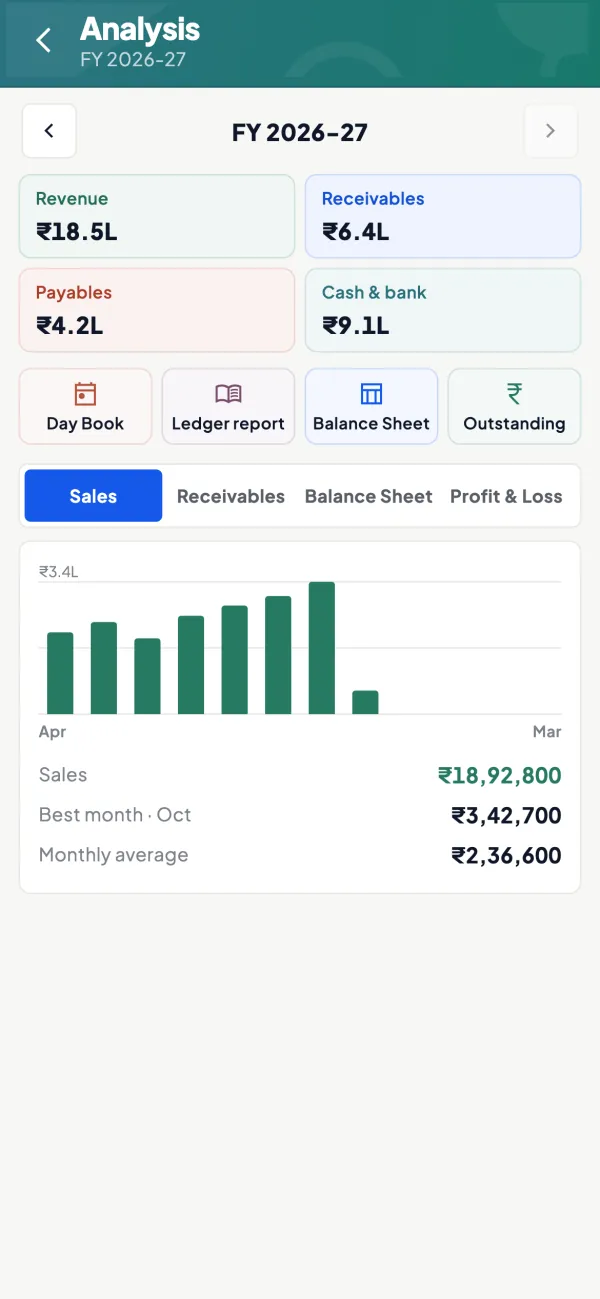
In businesses on TallyPrime, the accountant keeps working in Tally, which stays the books of record. Cashflow OS gives the owner and team synced reports, outstanding and ledgers on phone and web, so the accountant spends less time sending screenshots and answering “how much does X owe?”. Its AI assistant answers such questions from the synced books. The accountant role in the app has access to the accounts; salespeople see only items and their own customers. The assistant does not file returns or give tax advice.
Avoid these
Common mistakes
- MistakePosting AI-prefilled entries without checking themDo this instead
Review each prefilled bill or bank entry before posting; whoever posts or approves an entry is responsible for it.
- MistakeMeasuring the accountant by number of entries typedDo this instead
Measure accuracy, timeliness and how clearly reports are explained to the owner.
- MistakeLetting one person enter and approve their own paymentsDo this instead
Keep separation of duties: the person who enters a payment should not be the one who approves it.
- MistakeNeglecting ledger and item mastersDo this instead
Keep GSTINs, groups, bill-wise settings and item masters clean, because every AI tool depends on them.
Keep handy
Checklist
AI and the role of the accountant — 7 checks. Tick them as you go.
In Cashflow OS
How Cashflow OS helps
Cashflow OS puts your TallyPrime books on every phone in the team. Where it fits this topic:
Fewer 'how much does X owe?' calls
The owner and team see synced ledgers, outstanding and reports on phone and web, so the accountant spends less time sending screenshots.
See Tally on mobile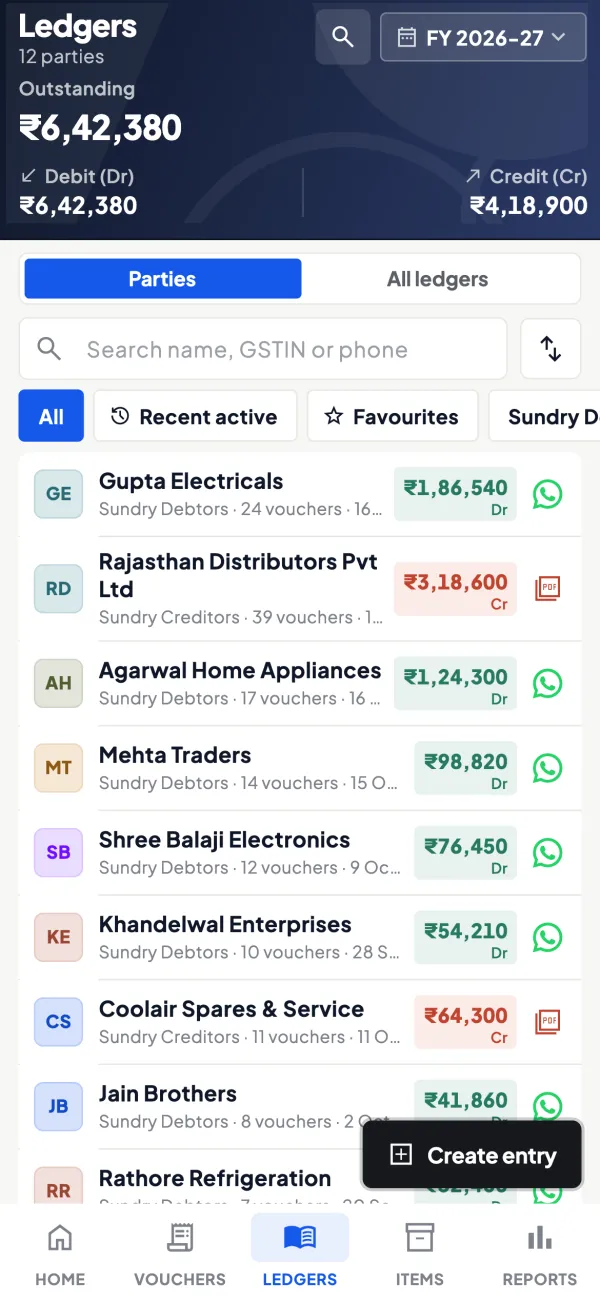
Roles that match the job
The accountant role has access to the accounts, while salespeople see only items and their own customers. Tally stays the books of record.
See Team roles and access
Questions people ask
Will AI replace accountants in small businesses?
What should an accountant learn to stay relevant?
Does AI reduce audit work?
Who is responsible if an AI-prepared entry is wrong?
Does an accountant need to learn programming to use AI?
How does AI change the work of a practising CA?
Can AI handle replies to tax notices?
What should the owner give the accountant when bringing in AI tools?
This page is general information for Indian businesses, not tax, legal or financial advice. Rules and rates change — check the official portals or your CA before acting.