Glossary Tally
Cost centre
Definition
A cost centre is a tag on income and expense entries that lets you see results for one part of the business, such as a branch, salesperson, site or vehicle.

Example
A Kota transporter tags every diesel and repair bill to a truck. In October, truck RJ20 shows ₹1,10,000 of diesel and ₹38,000 of repairs against ₹2,40,000 of freight earned, while another truck on the same route spent far less on repairs. The ledgers are the same; the cost centre shows which truck is costing money.
Cost centre in TallyPrime and in Cashflow OS
Where to find itIn TallyPrime
Cost centres are switched on in TallyPrime's company features. Ledgers marked for cost centre allocation then ask how to split each amount, and cost centre reports show income and expenses per centre.
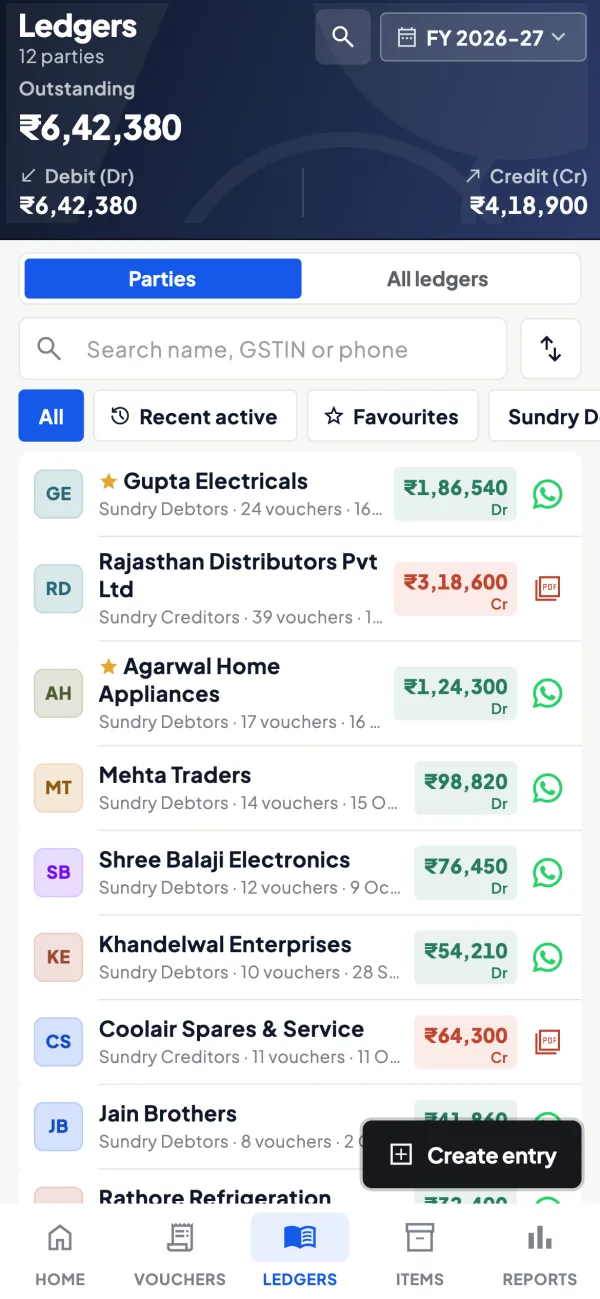
 On your phoneIn Cashflow OS
Cashflow OS can create and alter cost centres in Tally through the connector when writing back is switched on by the owner.
Common misunderstandings
- Watch outCreating dozens of overlapping cost centres, so staff tag entries inconsistently and reports mean little.
- Watch outThinking a cost centre is a separate ledger. It is an extra tag; the ledger balance does not change.
What cost centres are used for
Ledgers tell you what money was spent on; cost centres tell you for whom or where. A distributor might want to know the sales, discounts and travel costs of each salesperson. A contractor wants costs per site. A transporter wants diesel and repairs per truck. Without cost centres, these figures are mixed together in one ledger.
Example
| Cost centre | Sales | Discount | Travel | Salary |
|---|---|---|---|---|
| Ravi (north route) | ₹18,00,000 | ₹36,000 | ₹22,000 | ₹30,000 |
| Imran (city route) | ₹12,00,000 | ₹48,000 | ₹9,000 | ₹28,000 |
Ravi sells more and his discounts are 2% of sales; Imran's are 4%. Same ledgers, but tagging each entry to a person makes the pattern visible. Our guide on Tally cost centres for salespeople shows how to set this up, and measuring salesperson performance covers what to compare.
Cost centres vs categories
Cost centres can be grouped under cost categories, which let you tag the same entry on two different dimensions, for example a salesperson and a region. Keep the list short and named clearly; dozens of overlapping cost centres mean nobody tags entries consistently, and the reports become useless. Decide upfront which ledgers need a tag, and check a sample of entries at month-end to see that staff are filling it in.
Where it shows up in TallyPrime
Cost centres are switched on in TallyPrime's company features. Then you mark which ledgers need cost centre allocation, and while entering a voucher with those ledgers, TallyPrime asks how to split the amount across cost centres. Cost centre reports show income and expenses per centre for any period. Cashflow OS can create and alter cost centres in Tally through the connector when writing back is switched on.
Related terms
Questions about Cost centre
Is a cost centre the same as a ledger?
Can one entry be split across cost centres?
Do cost centres affect GST or the balance sheet?
What is a cost category?
Which ledgers should use cost centres?
This page is general information for Indian businesses, not tax, legal or financial advice. Rules and rates change — check the official portals or your CA before acting.