Invoices & documents Payments
UPI QR code on invoices
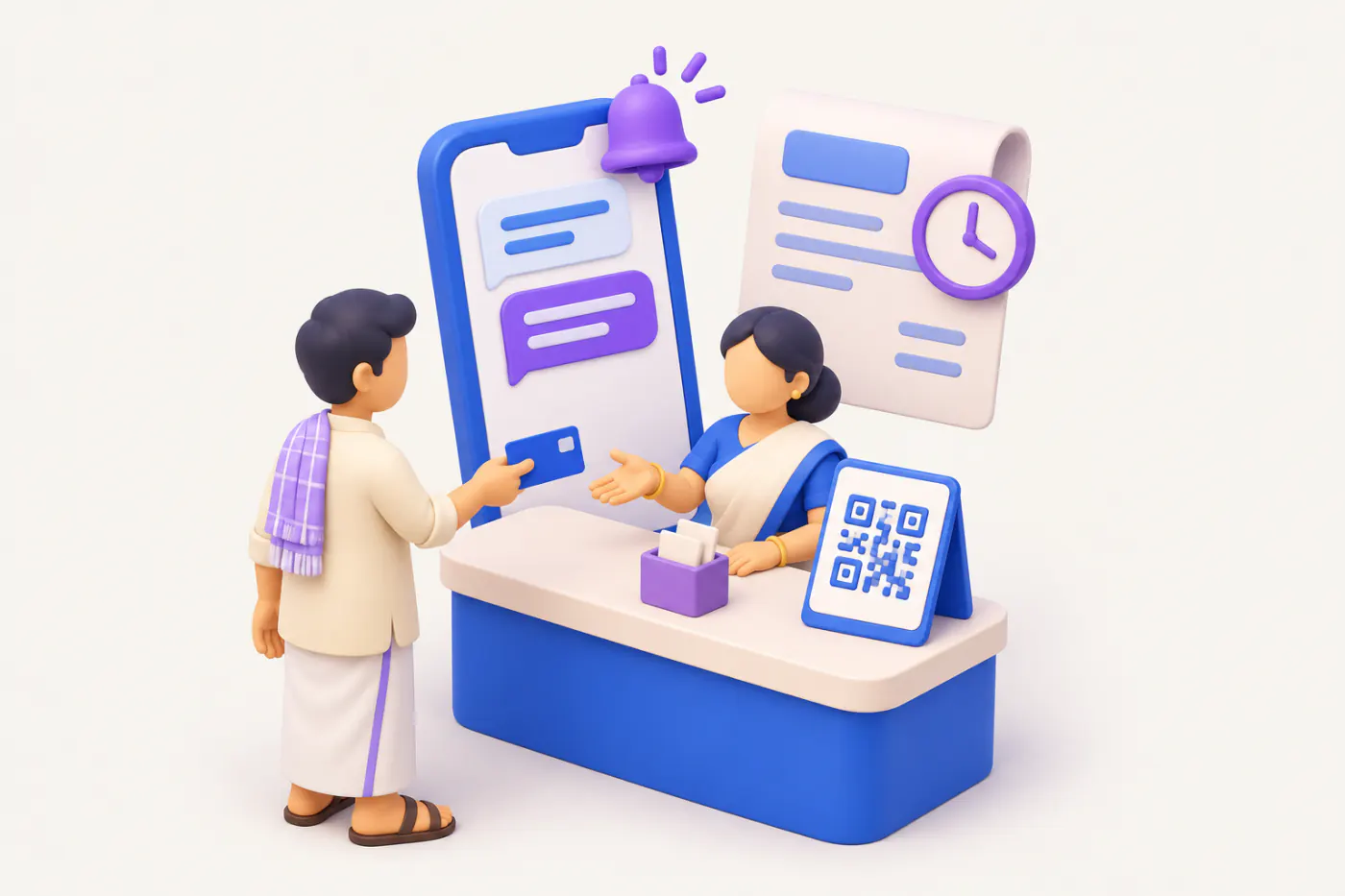
A UPI QR printed on an invoice lets the buyer pay by scanning, without typing your account number. A dynamic QR that carries the exact amount and invoice number is faster to pay and far easier to reconcile than a plain static QR.
- Distributors with credit dealers
- Retail counters
- Showrooms
- Accountants matching receipts
- Service businesses
On this page 12
Static vs dynamic QR
| Point | Static QR | Dynamic QR |
|---|---|---|
| What it holds | Your UPI ID and name only | UPI ID, name, amount and a note such as the invoice number |
| Buyer types amount? | Yes | No, it is pre-filled |
| Same QR on every bill? | Yes | New QR for each invoice |
| Reconciliation | You guess which bill was paid | Invoice number comes with the payment |
| Effort to set up | Print once | Needs software that generates it per invoice |
A static QR is fine for a counter. For credit sales to dealers, a dynamic QR saves your accountant hours every month.
What is inside a UPI QR
A UPI QR is just a payment link encoded as an image. It typically contains:
- pa: payee UPI ID, e.g. shreeganesh@okbank
- pn: payee name, e.g. Shree Ganesh Traders
- am: amount, e.g. 47200.00
- cu: currency, INR
- tn: note, e.g. INV-25-26-0412
Most banking apps and payment providers give merchants a business UPI ID and a way to create such QRs. Use a UPI ID linked to the business current account, not an employee's personal account, so payments land where your books expect them.
The GST dynamic QR rule for large businesses
Separately from convenience, GST rules require businesses above a turnover threshold (₹500 crore at the time of writing) to print a dynamic QR code on B2C invoices. That QR carries invoice details such as the supplier GSTIN, invoice number, date and amount, and can include UPI payment information. Most MSMEs are well below this threshold and add a UPI QR purely for faster collection. Do not confuse it with the e-invoice QR, which is signed by the Invoice Registration Portal; see e-invoice QR code explained.
This is general information, not tax advice. Confirm current thresholds on gst.gov.in or cbic-gst.gov.in.
Where to place it on the invoice
- Bottom right, near the total and the bank details, about 2.5 to 3 cm wide so phones scan it from a printout.
- Print the UPI ID in text below the QR for those who prefer to type.
- Add a line: Scan to pay ₹47,200 for INV/25-26/0412.
- Keep bank details too; large buyers often pay by NEFT or RTGS.
- Test-scan every new template with two or three different apps before using it.
Worked example: part payments
A dealer has three open bills with you:
| Invoice | Amount | Paid by QR |
|---|---|---|
| INV/0388 | ₹22,400 | ₹22,400 with note INV-0388 |
| INV/0412 | ₹47,200 | ₹20,000 with note INV-0412 |
| INV/0450 | ₹15,600 | Not paid |
Because the notes carry invoice numbers, your accountant can match ₹22,400 to INV/0388 and ₹20,000 against INV/0412 in bill-wise details, leaving ₹27,200 and ₹15,600 outstanding. With a static QR and two unlabelled payments of ₹22,400 and ₹20,000, the same job means phone calls. See Tally bill-wise details explained.
QR on statements and reminders too
The invoice is not the only place a QR helps. Buyers often pay several bills at once after receiving a statement or a reminder. Adding the business UPI ID and QR to the monthly ledger statement and to reminder messages gives them a one-tap way to pay the total. When a dealer pays a round figure against a statement, for example ₹50,000 against three bills, ask which bills it covers, or apply it oldest first as per your stated terms, and confirm in writing: Received ₹50,000, adjusted against INV/0388 and INV/0412 in full, ₹2,400 against INV/0450. Clear confirmations like this build trust and reduce disputes at year end.
Safety and fraud points
- Never let staff print their personal QR on company invoices.
- Lock invoice templates so the QR cannot be swapped.
- Tell buyers in writing which UPI ID is yours, and to call before paying if they receive a different one.
- A QR is for receiving money only. Nobody needs to scan a QR or enter a PIN to receive a payment; warn your staff about this common trick.
Doing this with Tally and Cashflow OS
Documents in Cashflow OS, such as quotations, proforma invoices and delivery challans, can carry your bank and UPI details along with your logo and letterhead, and go out as a PDF on WhatsApp or email. When payment arrives, a receipt voucher can be created from the phone into Tally through the connector, and bill-wise outstanding updates after sync. Cashflow OS does not collect payments for you; money goes straight to your own bank or UPI account. See proforma invoices.
Avoid these
Common mistakes
- MistakeA staff member's personal QR on company invoicesDo this instead
Use only a business UPI ID linked to the current account, and lock the invoice template.
- MistakeOne static QR with no payment noteDo this instead
Use a dynamic QR per invoice, or ask buyers to put the invoice number in the note.
- MistakeA QR too small to scan from a printoutDo this instead
Print it about 2.5 to 3 cm wide near the total, and test-scan with two or three apps.
- MistakeDropping bank details once a QR is addedDo this instead
Keep bank details too; large buyers often pay by NEFT or RTGS.
Keep handy
Checklist
UPI QR code on invoices — 7 checks. Tick them as you go.
In Cashflow OS
How Cashflow OS helps
Cashflow OS puts your TallyPrime books on every phone in the team. Where it fits this topic:
Documents with your UPI details
Quotations, proforma invoices and delivery challans in Cashflow OS carry your bank and UPI details with your logo, and go out as PDF on WhatsApp or email.
See Proforma invoices
Receipts posted and outstanding updated
When payment arrives, a receipt voucher can be created from the phone into Tally, and bill-wise outstanding updates after sync. Money goes straight to your account.
See Outstanding receivables
Questions people ask
Is a UPI QR mandatory on invoices?
Can I use one static QR for all invoices?
Are there charges on UPI payments to businesses?
Is the UPI QR the same as the e-invoice QR?
Can I put a UPI QR on a ledger statement?
How do I apply a round payment against several bills?
Do I need to scan a QR to receive money?
Where do I check the GST dynamic QR threshold?
This page is general information for Indian businesses, not tax, legal or financial advice. Rules and rates change — check the official portals or your CA before acting.