Invoices & documents Documents
Invoice branding: logo and letterhead
A well-branded invoice looks trustworthy, gets paid faster and is easy to find in a buyer's files. GST does not regulate design, so you are free to brand, as long as every mandatory field stays clear and readable.
- Small business owners
- Distributors and wholesalers
- Showrooms and retailers
- Service businesses
- Manufacturers sending quotations
On this page 12
What branding can and cannot change
The law lists what an invoice must contain; it says nothing about colours, fonts or logos. Branding may change how the page looks. It must not hide, shrink or drop required details such as your GSTIN, invoice number, place of supply or tax amounts. See GST invoice mandatory fields.
One legal point: show your name as registered under GST. If you trade under a brand name that differs from the legal name, print both, for example Rangoli Home (Legal name: Sharma Furnishings Pvt. Ltd.), so the buyer's books and GST data match. This is general information, not legal or tax advice.
Branding is not vanity. A buyer's accountant handling hundreds of supplier bills a month finds a clean, consistent invoice faster, books it correctly and raises fewer queries. A shabby or inconsistent document, on the other hand, invites doubt: is this really from them, and are these the right bank details? In a time of payment frauds using fake invoices, a recognisable, consistent look is part of your security as well.
Anatomy of a good letterhead
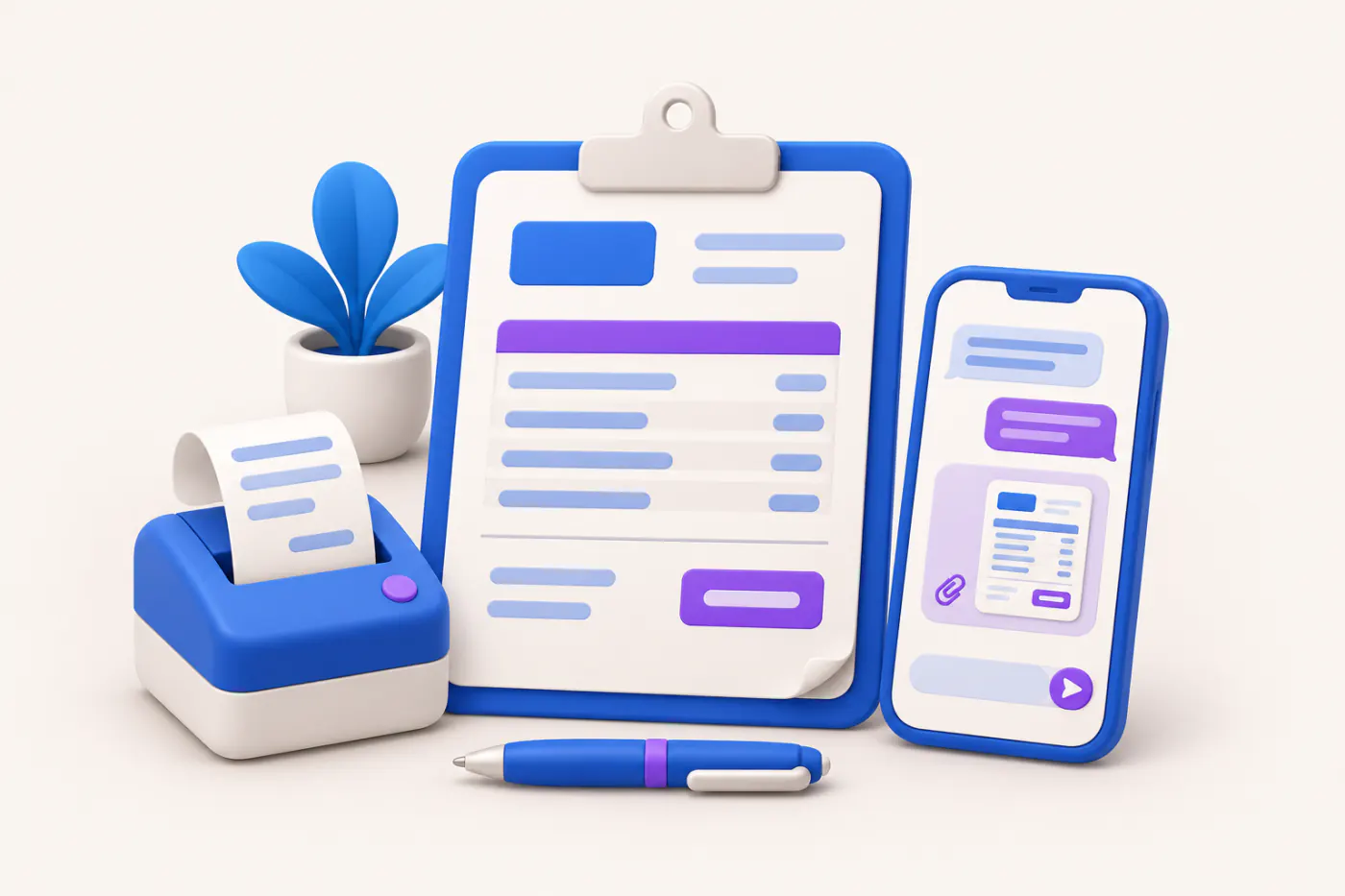
| Area | Put here |
|---|---|
| Top left | Logo, about 2 to 3 cm tall |
| Top right | Document title (Tax Invoice, Quotation…), number, date |
| Header strip | Legal and trade name, address, GSTIN, phone, email |
| Middle | Party details, then the item table |
| Lower right | Totals, tax split, amount in words |
| Lower left | Bank details, UPI, payment terms |
| Footer | Signature block, terms, Udyam number if applicable |
Keep this skeleton identical across quotation, proforma, purchase order, challan and invoice. Buyers learn where to look, and your accountant does too.
Design rules that keep it readable
- One brand colour for headings and lines; black text for numbers. Coloured amounts photocopy badly.
- Fonts: one clean typeface, minimum 9 pt for the item table and 10 pt for totals.
- Logo file: a high-resolution PNG with transparent background, so it prints sharp and does not show a white box on coloured headers.
- White space: leave margins of at least 1 cm; printers cut edges.
- Test in grayscale: many buyers print in black and white. If the GSTIN disappears on a light-blue band, change the band.
- Test on a phone: most PDFs are now read on WhatsApp. Totals should be legible without zooming.
Pre-printed stationery vs digital letterhead
| Point | Pre-printed stationery | Digital letterhead in PDF |
|---|---|---|
| Cost | Printing ₹ per sheet, wasted when details change | Free to change |
| Address or GSTIN change | Reprint everything | Edit once |
| Look on WhatsApp | Only if scanned | Native, sharp |
| Dot-matrix alignment | Frequent issues | None |
A practical example: a business printing 5,000 letterhead sheets at about ₹3 each spends ₹15,000, and a new branch address makes the leftover stock useless. A digital letterhead avoids that, though some trades still like a printed copy for counter sales.
Small additions that help you get paid
- Bank account name, number, IFSC and branch, plus a business UPI ID or QR. See UPI QR code on invoices.
- Due date printed as a date near the total.
- Your Udyam number, if you are a micro or small enterprise.
- A named contact for billing queries with a phone number.
- A one-line thank-you; it costs nothing.
Consistency checklist
- Same logo file, colours and fonts on every document.
- Legal name and GSTIN on every page of multi-page documents.
- Document title in the same place each time.
- One signature block style.
- Old letterheads with outdated addresses destroyed or archived.
- Templates locked so staff cannot change bank details.
Signature and stamp
The signature block should show For [Business name], the signature, and Authorised Signatory. A rubber stamp is customary but not required. If you place a signature image on PDFs, protect the template so it cannot be misused. Read digital signature on invoices for stronger options.
Doing this with Tally and Cashflow OS
Cashflow OS documents (quotation, proforma invoice, purchase order and delivery challan) use your business's logo, colours, letterhead, signature, and bank and UPI details, set once and applied to every document. They are shared as PDFs on WhatsApp or email. Tax invoices print from TallyPrime using its own print settings, so keep the two looking similar. See quotations.
Avoid these
Common mistakes
- MistakePrinting only the trade nameDo this instead
Show the legal name registered under GST alongside the brand, so the buyer's books and GST data match.
- MistakeColoured bands hiding the GSTIN or totalsDo this instead
Keep numbers in black, test a grayscale print, and change any band that makes key details fade.
- MistakeDifferent layouts on quotation, challan and invoiceDo this instead
Use the same layout and change only the title, so buyers and their accountants know where to look.
- MistakeLetting staff edit bank details on templatesDo this instead
Lock templates, and announce any change of bank account separately, to protect buyers from fake-invoice frauds.
Keep handy
Checklist
Invoice branding: logo and letterhead — 8 checks. Tick them as you go.
In Cashflow OS
How Cashflow OS helps
Cashflow OS puts your TallyPrime books on every phone in the team. Where it fits this topic:
One brand on every document
Quotations, proforma invoices, purchase orders and delivery challans use your logo, colours, letterhead, signature, and bank and UPI details, set once.
See Quotations
Quotation to order, same look
Convert a branded quotation into a sales order or a Tally sales invoice, and share documents as PDFs on WhatsApp or email. Tax invoices print from TallyPrime.
See Sales orders to Tally
Questions people ask
Is a logo mandatory on a GST invoice?
Can I use a trade name only?
What size should the logo file be?
Should quotations and invoices look the same?
Can I keep my own invoice design with e-invoicing?
Which colours work best on invoices?
Should I print my Udyam number?
Do I need pre-printed stationery?
This page is general information for Indian businesses, not tax, legal or financial advice. Rules and rates change — check the official portals or your CA before acting.