Invoices & documents Invoices
Digital signature on invoices
A GST invoice must carry the signature or digital signature of the supplier or an authorised person, but an invoice issued electronically under the Information Technology Act does not need one. Knowing which kind of signature you are actually using decides how strong your invoice is as evidence.
- GST-registered suppliers
- Distributors sending PDF invoices
- Consultants and service firms
- Accountants setting up billing
- Owners and authorised signatories
On this page 12
What the rule says
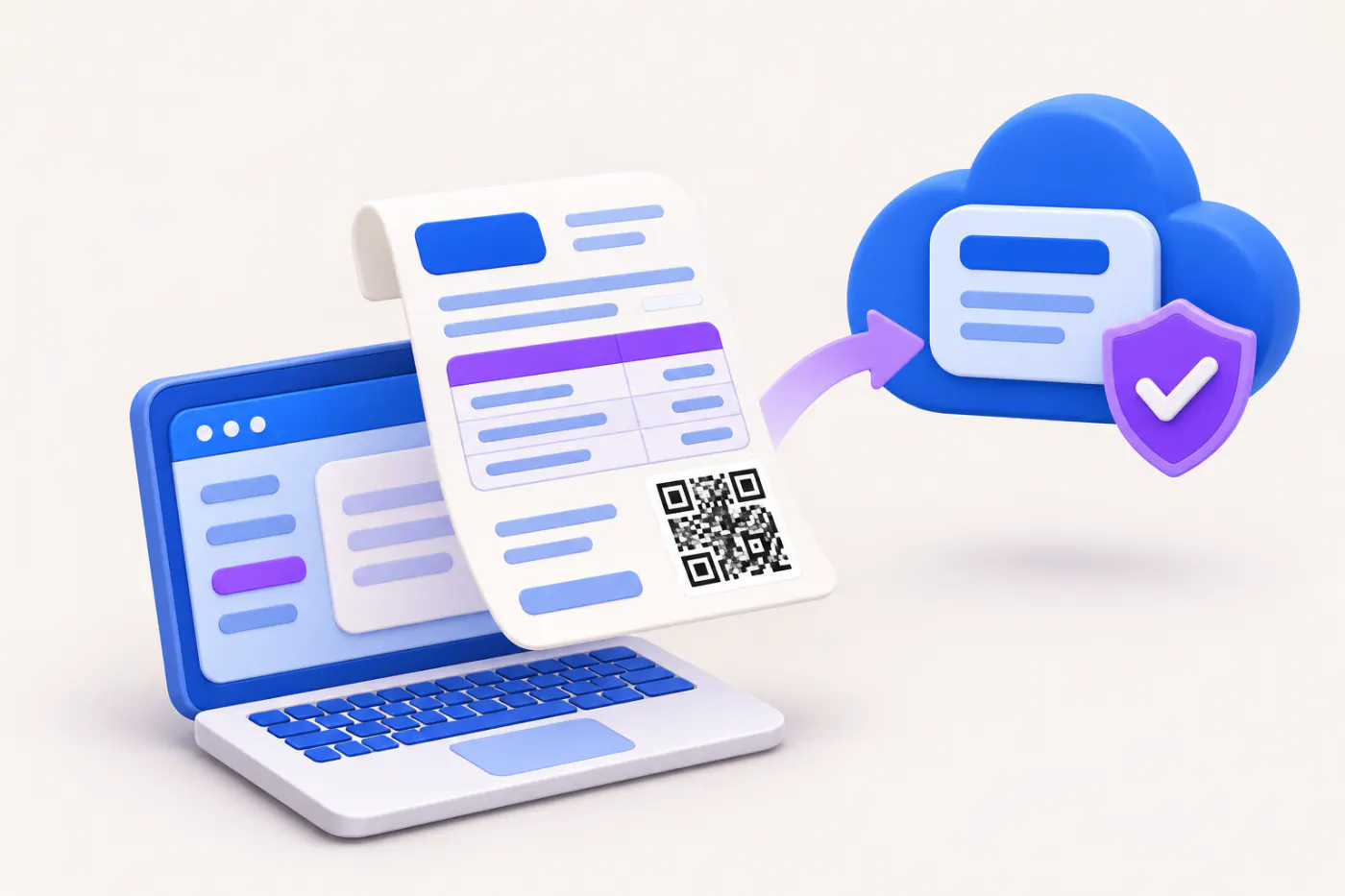
Rule 46 of the CGST Rules lists signature or digital signature of the supplier or his authorised representative among the mandatory fields of a tax invoice. A proviso says that a signature or digital signature is not required where the invoice is issued electronically in accordance with the Information Technology Act, 2000. E-invoices carry the Invoice Registration Portal's own digital signature on the signed QR and IRN data. See e-invoicing and IRN.
This is general information, not legal or tax advice.
Four kinds of signature compared
| Type | What it is | Strength as proof | Effort |
|---|---|---|---|
| Wet ink signature | Signed by hand on a printout | Good on paper; lost when photographed | Slow for volume |
| Scanned signature image | Picture of a signature placed on a PDF | Weak; anyone can copy it | Easy |
| Digital signature certificate (DSC) | Cryptographic signature from a licensed certifying authority, usually on a USB token | Strong; tampering is detectable | Token, software and renewal |
| Aadhaar-based e-sign | Online signature authenticated by OTP through a licensed provider | Strong, recognised under the IT Act | Per-document cost, needs a provider |
A scanned signature is common and widely accepted in day-to-day trade, but it is not a digital signature in the legal sense. If a dispute reaches court, a DSC-signed PDF is much easier to prove genuine.
How a DSC-signed PDF works
- The authorised signatory gets a DSC (Class 3 is the class currently issued) from a licensed certifying authority, linked to their PAN and identity.
- Billing or PDF software signs the invoice file with the private key on the token.
- When the buyer opens the PDF, the reader shows the signer's name and whether the document was changed after signing.
- The certificate has a validity, usually one to three years, and must be renewed.
Many businesses already have a DSC for their company's MCA filings or income-tax audits; check whether the same person is authorised to sign invoices.
Who should sign
- The proprietor, a partner, a director or an employee formally authorised in writing.
- Keep a board resolution or authority letter for anyone other than the owner.
- Print the signatory's name and designation below the signature, e.g. For Shree Ganesh Traders, Authorised Signatory.
- Do not let tokens or PINs be shared casually among staff.
When a signatory leaves the business, update the authority letter, retire their DSC from your billing software and inform your bank and regular buyers if their name appeared on documents. An invoice signed after someone has left, in the name of that person, is the kind of loose end that becomes a problem during a dispute or an audit years later.
Worked example: picking a method for your volume
Think about how many invoices you issue and how many go out as PDFs.
| Business | Invoices a month | Sensible approach |
|---|---|---|
| Small retailer, printed bills | 1,500 counter bills | Pre-printed For … Authorised Signatory with stamp; sign B2B bills by hand |
| Distributor, PDFs on WhatsApp | 600 B2B invoices | Bulk DSC signing in billing software, or e-invoice where applicable |
| Consultant | 20 invoices | DSC or e-sign per invoice |
Whatever you pick, apply it consistently, so a buyer never receives two styles from you in the same month.
Signatures on other documents
- Credit and debit notes, delivery challans, receipt vouchers: the same signature requirement applies under their respective rules.
- Quotations, proformas, purchase orders: no GST rule, but a signature shows the document is authorised.
- Ledger statements and balance confirmations: a signature from the party confirms the balance for audit.
Safety checklist
- Never email or WhatsApp a high-resolution image of your signature alone.
- Lock invoice templates so staff cannot paste signatures on other documents.
- Keep DSC tokens in safe custody and change PINs when staff leave.
- Check renewal dates of DSCs in advance.
- Keep the authority letter for each signatory with your records.
Doing this with Tally and Cashflow OS
Documents created in Cashflow OS, such as quotations, proformas, purchase orders and delivery challans, can include your signature image along with logo, letterhead and bank and UPI details, and are shared as PDFs on WhatsApp or email. Cashflow OS does not apply DSC or e-sign signatures; if you need cryptographic signing, use your DSC software on the final PDF. See also invoice branding, logo and letterhead.
Avoid these
Common mistakes
- MistakeTreating a pasted signature image as a digital signatureDo this instead
Know the difference: a scanned image is easy to copy. Use a DSC or Aadhaar e-sign where you need strong proof of authenticity.
- MistakeLetting any staff member sign invoicesDo this instead
Sign only through the owner, a partner, a director or an employee authorised in writing, and keep that authority letter on record.
- MistakeSharing DSC tokens and PINs casuallyDo this instead
Keep tokens in safe custody, limit who knows the PIN and change it when staff leave.
- MistakeLetting a DSC expire mid-monthDo this instead
Note DSC validity dates and renew in advance so invoices do not go out unsigned or in a different style.
Keep handy
Checklist
Digital signature on invoices — 7 checks. Tick them as you go.
In Cashflow OS
How Cashflow OS helps
Cashflow OS puts your TallyPrime books on every phone in the team. Where it fits this topic:
Signature on your own documents
Quotations, proformas, purchase orders and delivery challans made in Cashflow OS can carry your signature image with logo, letterhead and bank and UPI details, shared as PDFs.
See Quotations
E-invoices registered with the IRP
On plans that include e-invoicing, Cashflow OS gets the IRN and signed QR for a synced Tally sales voucher and writes them back into Tally. It does not apply DSC or e-sign itself.
See GST reports from your Tally data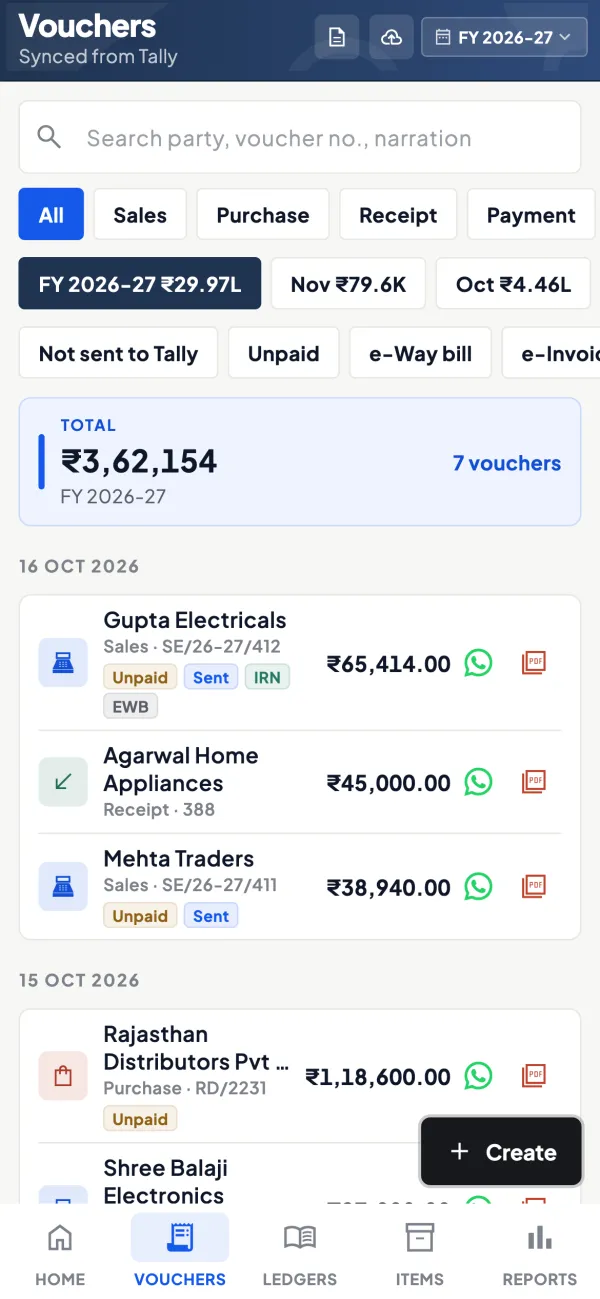
Questions people ask
Is a scanned signature valid on a GST invoice?
Do e-invoices need my signature?
Can an employee sign invoices?
Does a quotation need a digital signature?
Is a rubber stamp required on a GST invoice?
What class of DSC is used to sign invoices?
Do credit notes need a signature too?
How long is a DSC valid?
This page is general information for Indian businesses, not tax, legal or financial advice. Rules and rates change — check the official portals or your CA before acting.