GST E-invoicing
E-invoicing and IRN under GST
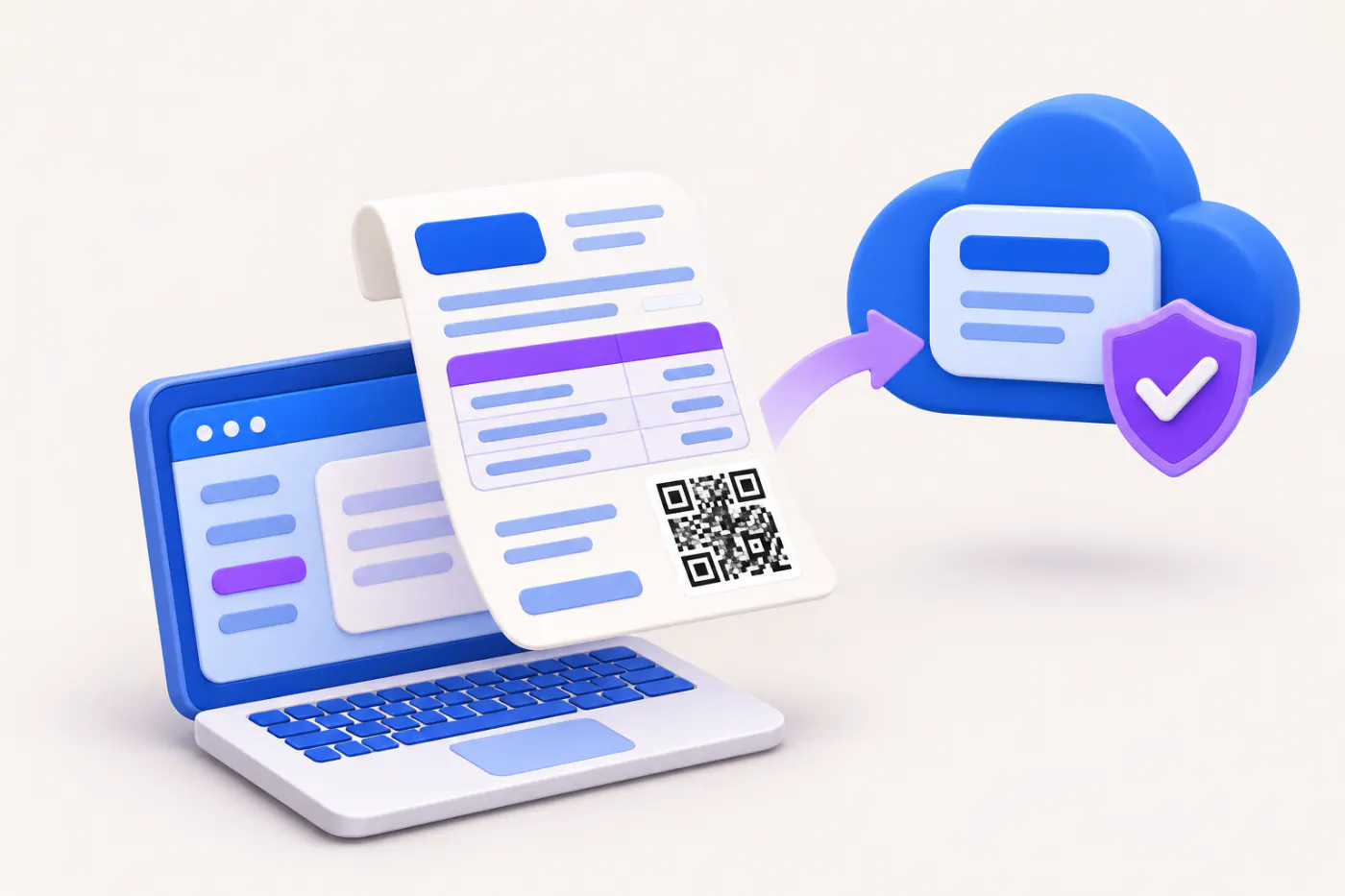
E-invoicing means reporting each B2B invoice to a government Invoice Registration Portal, which returns a unique Invoice Reference Number (IRN) and a signed QR code. For businesses covered, an invoice without an IRN is not a valid invoice.
- Businesses near the e-invoice limit
- Manufacturers and distributors
- Billing and accounts teams
- Exporters and SEZ suppliers
- CAs advising MSMEs
On this page 12
Who must e-invoice
The general rule is that a business must e-invoice if its aggregate turnover exceeded ₹5 crore in any financial year from 2017-18 onwards. Once you cross it in any year, you remain covered even if turnover later falls. The threshold has been lowered in stages and can change, so confirm on gst.gov.in.
Some categories are exempt whatever their turnover, including SEZ units, insurers, banks and financial institutions including NBFCs, goods transport agencies, passenger transport services, and cinema admission services.
Which documents are covered
| Covered | Not covered |
|---|---|
| Tax invoices to registered buyers (B2B) | Invoices to consumers (B2C) |
| Credit and debit notes to registered buyers | Delivery challans |
| Exports | Bills of supply |
| Supplies to SEZ, deemed exports | Self-invoices under reverse charge |
Very large businesses have a separate requirement for a dynamic payment QR on B2C invoices; that is different from B2B e-invoicing.
How it works, step by step
- Your billing or accounting software creates the invoice in the standard e-invoice JSON schema.
- The JSON is uploaded to an Invoice Registration Portal (IRP), directly, through an API, or through a service provider.
- The IRP validates it and generates the IRN, a 64-character unique number derived from your GSTIN, the financial year, document type and document number. A duplicate document number is rejected.
- The IRP digitally signs the invoice data and returns it with the IRN, an acknowledgement number and date, and a signed QR code.
- You print the QR code on the invoice and send it to the buyer.
- The IRP passes the data to the GST system, so the invoice auto-fills your GSTR-1 and, if transport details were given, Part A of the e-way bill.
What the QR contains and how buyers check it are explained in e-invoice QR code explained.
Time limits and cancellation
- Reporting window. Businesses with aggregate turnover of ₹10 crore and above cannot report an invoice to the IRP more than 30 days after its date. A November 1 invoice must be reported by about December 1. This limit has been extended to smaller businesses over time; check whether it applies to you.
- Cancellation. An IRN can be cancelled on the IRP within 24 hours, and only in full. After 24 hours, the invoice cannot be cancelled on the IRP; correct it with a credit note or through amendment in GSTR-1.
- No reuse. A cancelled invoice number cannot be used again for a new IRN.
Worked example
A Coimbatore pump manufacturer with turnover of ₹14 crore issues invoice CBE/25-26/1450 dated 3 March to a registered dealer in Kerala: ₹3,50,000 + IGST ₹63,000. The billing system sends it to the IRP the same day and receives the IRN and QR. The invoice flows from the IRP into the manufacturer's GSTR-1, so the dealer sees it in the Invoice Management System and then in GSTR-2B without anyone retyping it. An e-way bill is generated from the IRN with the vehicle number.
The next day, the dealer reports that the quantity was wrong. Since more than 24 hours have passed, the manufacturer issues a credit note for the excess, reported to the IRP with its own IRN, rather than cancelling.
Getting ready to e-invoice
- Track aggregate turnover for every year since 2017-18 under your PAN, so you know the date you became covered.
- Check that party masters have valid GSTINs, PIN codes and states; the IRP validates these.
- Check that every item has an HSN code and a valid unit.
- Register on the e-invoice portal, set up API access or a provider, and test with sample invoices before the go-live date.
- Decide who handles the 24-hour cancellation window and the 30-day reporting limit, so delays are noticed.
Common mistakes
- Issuing B2B invoices without IRN after crossing the threshold, because no one tracked turnover from earlier years.
- Generating IRN for a B2C invoice by treating it as B2B.
- Typing a wrong buyer GSTIN; the IRP checks the GSTIN is valid, not that it is the right buyer.
- Missing the 24-hour window and then trying to reuse the invoice number.
- Reporting credit notes late, so the reduction does not reach GSTR-1 in time.
This is general information, not tax advice.
Where Cashflow OS stands
On plans that include e-invoicing, Cashflow OS can generate the IRN for a synced Tally sales voucher through a GST Suvidha Provider, using your own e-invoice API login, and write the IRN and QR back into Tally. An owner or admin can cancel it within the allowed window. If your TallyPrime is set up for e-invoicing, you continue to generate IRNs from Tally or your e-invoice provider. Cashflow OS reads the invoices synced from Tally, shows them in the GSTR-1 view with bill-wise detail, and lets you download the JSON for the GST portal.
Avoid these
Common mistakes
- MistakeNot tracking turnover from earlier yearsDo this instead
Check aggregate turnover under your PAN for every year since 2017-18; crossing the limit in any one year brings you in.
- MistakeGenerating an IRN for a B2C invoiceDo this instead
B2B e-invoicing covers registered buyers, exports and SEZ supplies. Bill consumers without an IRN.
- MistakeMissing the 24-hour cancellation windowDo this instead
Name one person to watch cancellations. After 24 hours use a credit note, and never reuse a cancelled invoice number.
- MistakeParty masters with wrong GSTINs or PIN codesDo this instead
Clean masters before go-live; the IRP checks the GSTIN is valid, not that it belongs to the right buyer.
Keep handy
Checklist
E-invoicing and IRN under GST — 8 checks. Tick them as you go.
In Cashflow OS
How Cashflow OS helps
Cashflow OS puts your TallyPrime books on every phone in the team. Where it fits this topic:
IRN from a synced Tally voucher
On plans that include e-invoicing, Cashflow OS generates the IRN through a GST Suvidha Provider with your own API login and writes the IRN and QR back to Tally; an IRN already made in Tally is shown, not remade.
See Create Tally vouchers from your phone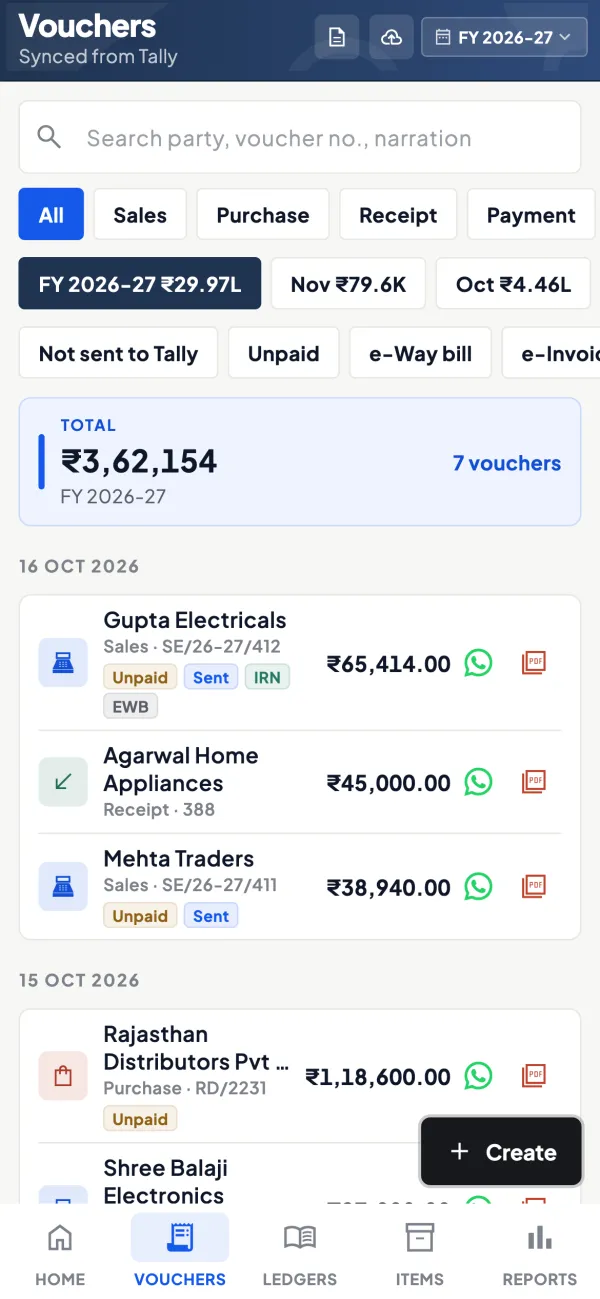
GSTR-1 view with JSON download
Invoices synced from Tally show in the GSTR-1 view bill-wise and HSN-wise, and the JSON can be downloaded for the GST portal. Filing is done on the portal.
See GST reports from your Tally data
Questions people ask
Is e-invoicing required for B2C invoices?
Can I cancel an e-invoice after 24 hours?
Is an invoice valid without IRN?
Does e-invoicing replace GSTR-1?
How long is an IRN?
Do exports need an e-invoice?
What if my turnover falls below the limit later?
Can I use the same invoice number after cancelling an IRN?
This page is general information for Indian businesses, not tax, legal or financial advice. Rules and rates change — check the official portals or your CA before acting.