GST E-way bill
E-way bill basics
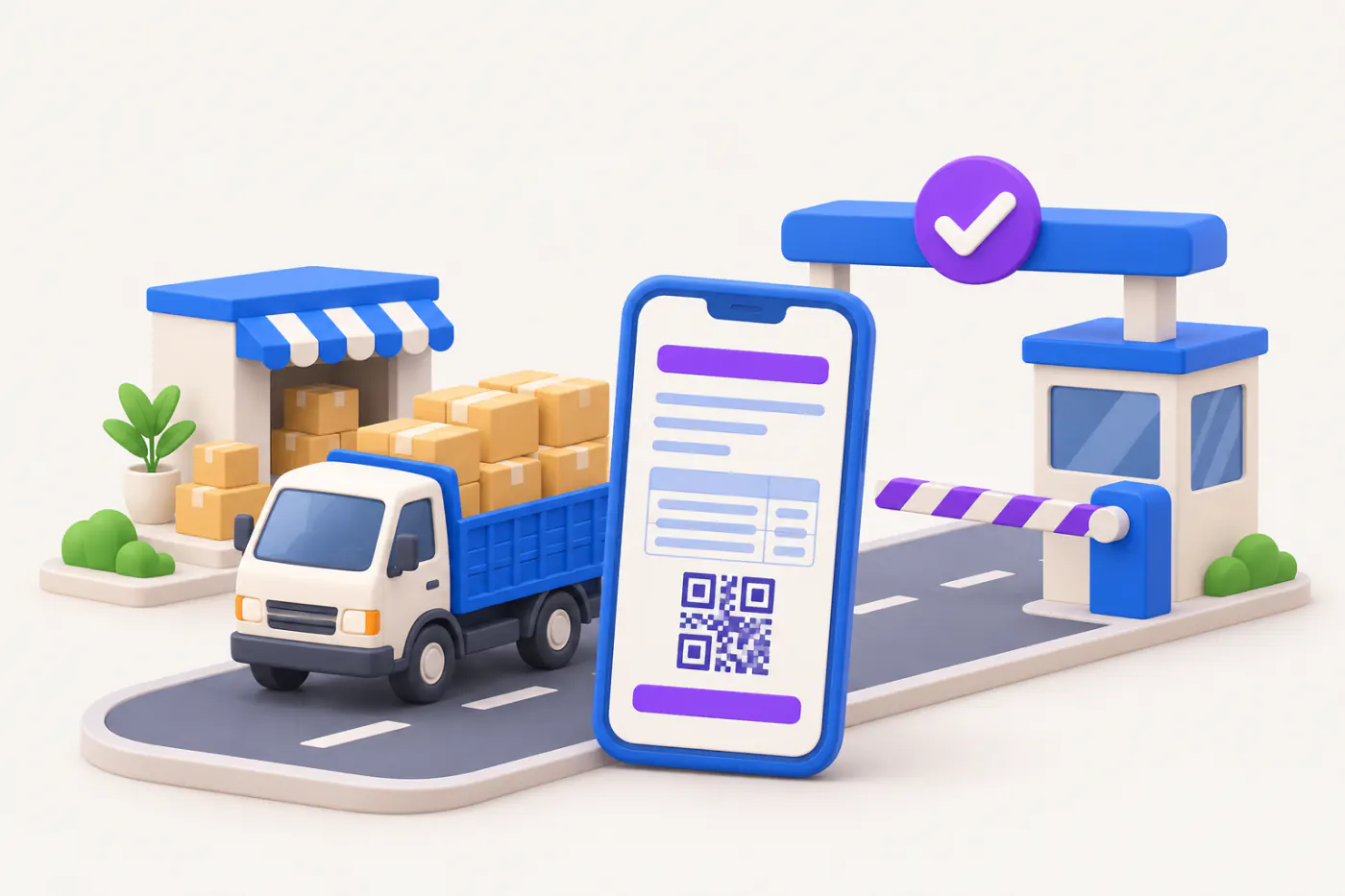
An e-way bill is an electronic document generated on the GST e-way bill portal before goods worth more than the set limit are moved by road, rail, air or ship. It travels with the goods and is checked on the way.
- Traders moving goods by road
- Distributors and wholesalers
- Dispatch and godown staff
- Transporters
- Businesses sending job work
On this page 11
When an e-way bill is needed
The general rule: an e-way bill is required when goods are moved and the consignment value exceeds ₹50,000. This applies whether the movement is a sale, a purchase return, a stock transfer, sending for job work, or goods sent on approval.
- Consignment value is the value on the invoice, bill of supply or delivery challan, including GST, excluding the value of exempt goods on the same document.
- States can set their own limits for movement within the state, and some do. Check your state's rule on the e-way bill portal.
- Some movements need an e-way bill even below ₹50,000, such as inter-state movement of goods for job work and of handicraft goods by those exempt from registration.
- Some goods and situations are exempt, for example many unprocessed food items, and goods moved by a non-motorised conveyance.
Part A and Part B
| Part | Contains | Filled by |
|---|---|---|
| Part A | Supplier and recipient GSTINs, delivery PIN code, document number and date, value, HSN, reason for transport | Consignor, consignee or transporter |
| Part B | Vehicle number (road) or transport document number (rail, air, ship) | Whoever arranges transport |
An e-way bill is complete only when Part B is filled. Within the same state, Part B can be skipped when goods move up to 50 km from the consignor's place to a transporter's place for further transport.
Validity
Validity depends on distance. For normal cargo, it is one day for every 200 km or part of it; for over-dimensional cargo, one day for every 20 km. Each day ends at midnight, with the first day ending at midnight of the day after generation.
Example. A consignment from Ahmedabad to Jaipur, about 660 km, gets four days: 660 ÷ 200 = 3.3, rounded up to 4. If the e-way bill is generated at 6 pm on 10 March, it is valid until midnight of 14 March.
If the truck breaks down, validity can be extended on the portal in a window around expiry, generally eight hours before and after, by giving the reason and the remaining distance.
How to generate one, step by step
- Log in to the e-way bill portal with your GST credentials (or generate through your software's API or from an e-invoice IRN).
- Choose outward or inward movement and the sub-type: supply, export, job work, return, and so on.
- Enter document details, the other party's GSTIN (or "URP" for unregistered), addresses with PIN codes, items with HSN, value and tax.
- Enter transporter ID or vehicle number in Part B.
- Submit to get the e-way bill number (EBN). Give a copy or the number to the driver.
- If the vehicle changes on the way, update Part B before the goods move further.
Cancellation, rejection and consequences
- Cancel within 24 hours of generation if the goods are not moved or details are wrong, provided it has not been verified on the road.
- The recipient can reject an e-way bill generated against their GSTIN within 72 hours, or before delivery, whichever is earlier.
- Blocked generation: if you have not filed GSTR-3B (or CMP-08) for two consecutive tax periods, the portal blocks you from generating e-way bills as consignor or consignee.
- No e-way bill, or an expired one, can lead to detention of the goods and vehicle and a penalty linked to the tax involved.
This is general information, not tax advice. Value limits and exemptions can change; check the e-way bill portal and cbic-gst.gov.in.
Common mistakes
- Splitting one consignment into several invoices to stay under the limit.
- Wrong PIN code, so the distance and validity are wrong.
- Generating Part A days in advance, then the vehicle leaves late and validity runs out.
- Forgetting e-way bills for purchase returns and job work, which are not sales.
How e-way bills relate to e-invoices is covered in e-way bill vs e-invoice. Movements without sale are usually covered by a delivery challan.
Where Cashflow OS fits
On plans that include it, Cashflow OS can generate an e-way bill for a synced Tally sales voucher, update the vehicle details (Part-B) and cancel it, and the e-way bill number is written back onto the Tally voucher. You can equally keep using the e-way bill portal or your TallyPrime setup. What it does is make the documents behind the movement easier: a delivery challan with your branding can be prepared from the app, and invoices and challans synced from Tally can be looked up on the phone when a transporter asks for details.
Avoid these
Common mistakes
- MistakeSplitting one consignment into several billsDo this instead
Treat goods moving together on one vehicle as they are; splitting to stay under the limit invites penalties on inspection.
- MistakeWrong PIN code on the e-way billDo this instead
Check PIN codes in party masters; a wrong one changes the distance and validity.
- MistakeGenerating Part A days before dispatchDo this instead
Generate close to dispatch, since validity starts on generation, and extend near expiry if a vehicle is delayed.
- MistakeForgetting returns and job work movementsDo this instead
Purchase returns, stock transfers and job work need e-way bills too when the value or type requires it.
Keep handy
Checklist
E-way bill basics — 8 checks. Tick them as you go.
In Cashflow OS
How Cashflow OS helps
Cashflow OS puts your TallyPrime books on every phone in the team. Where it fits this topic:
E-way bills for synced Tally invoices
On plans that include it, Cashflow OS can generate the e-way bill for a synced Tally sales voucher, update Part-B and cancel it, with the number written back onto the Tally voucher.
See Create Tally vouchers from your phone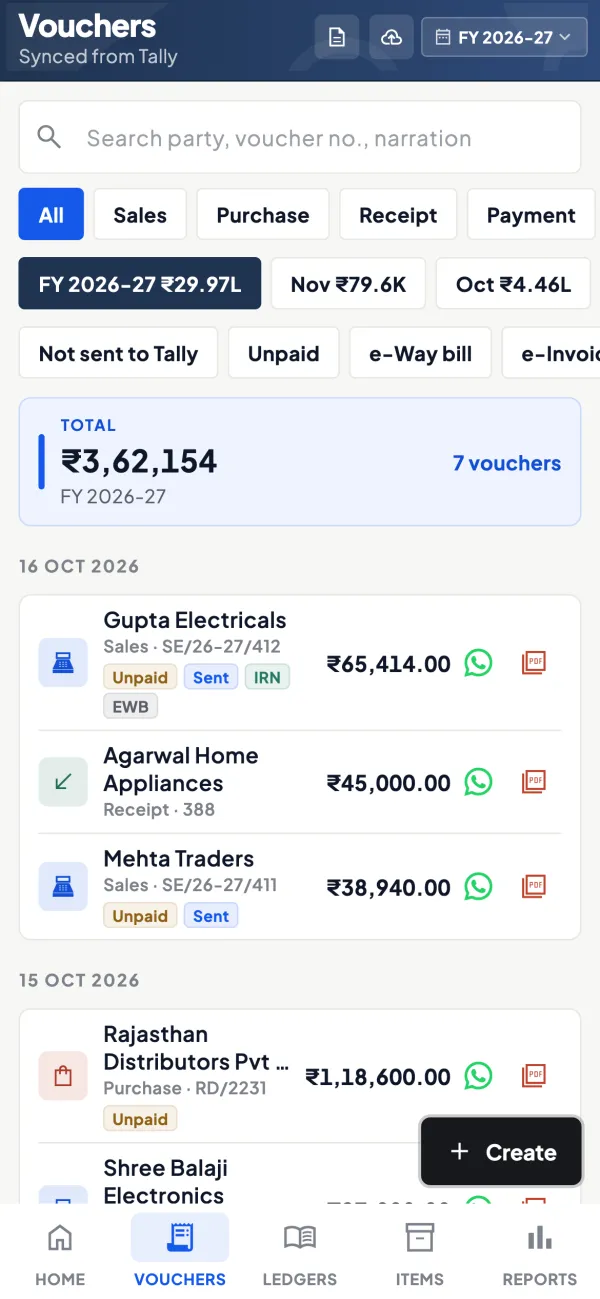
Branded delivery challans
For movements without a sale, a delivery challan with your logo and letterhead can be prepared in the app and shared as a PDF.
See Delivery challans
Questions people ask
Is an e-way bill needed for goods below ₹50,000?
Who generates the e-way bill?
How long is an e-way bill valid?
Can an e-way bill be edited?
Is an e-way bill needed for goods moved in my own vehicle?
What is the difference between EBN and IRN?
Can I extend an expired e-way bill?
Do I need an e-way bill to send goods to my other godown?
This page is general information for Indian businesses, not tax, legal or financial advice. Rules and rates change — check the official portals or your CA before acting.