GST GST documents
Credit notes and debit notes in GST
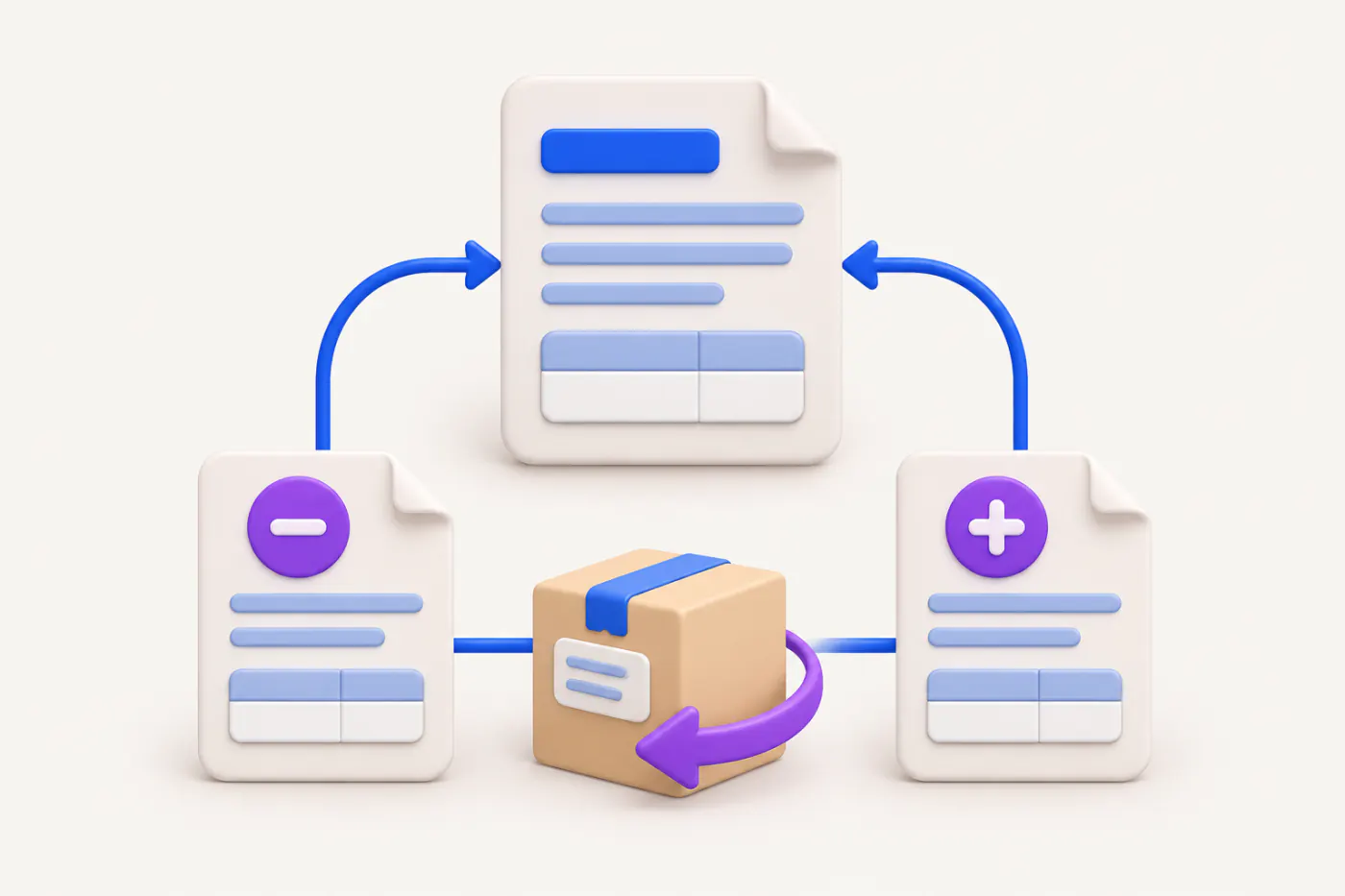
A credit note reduces the value or tax of an invoice already issued; a debit note increases it. Both are issued by the supplier, both are reported in GSTR-1, and credit notes have a strict time limit.
- GST-registered suppliers
- Accountants
- Distributors and wholesalers
- Billing staff
- CAs reviewing returns
On this page 11
When each one is used
| Situation | Document |
|---|---|
| Goods returned by the buyer | Credit note |
| Price charged was too high, or tax rate too high | Credit note |
| Goods or services deficient, partly rejected | Credit note |
| Agreed discount linked to specific invoices | Credit note |
| Price charged was too low, or tax rate too low | Debit note |
| Extra quantity sent and accepted | Debit note |
In GST law, both are issued by the supplier. Many buyers issue a document called a "debit note" to a supplier when returning goods; that is a commercial document for their own books, and the supplier still needs to issue the GST credit note.
Time limit for credit notes
A credit note that reduces your tax must be declared by the earlier of 30 November following the end of the financial year of the original invoice, or the date you file the annual return for that year. For an invoice dated February 2026, the latest is 30 November 2026. After that, you can still give the customer a commercial credit, but you cannot reduce your GST.
Tax can be reduced only if the incidence of tax has not been passed on to someone else, and for registered buyers the buyer must reverse the matching input tax credit. Through the portal's Invoice Management System, a registered buyer can accept or reject your credit note, which affects your liability.
Debit notes have no separate deadline for issue, but the buyer's time limit to claim credit runs from the debit note's date.
What a credit or debit note must show
- Your name, address and GSTIN
- Nature of the document (credit note or debit note)
- Serial number (a separate series, up to 16 characters) and date
- Buyer's name, address and GSTIN (or delivery address and state for unregistered buyers where required)
- Serial number and date of the original invoice or invoices
- Taxable value, rate, and tax amount being credited or debited
- Signature or digital signature
Formats are covered in credit note format and debit note format.
Worked examples
Rate error. A trader billed ₹50,000 at 18% (₹9,000 tax) when the correct rate was 5% (₹2,500). Credit note: taxable value nil, tax ₹6,500, quoting the original invoice. Better practice is a credit note for the full original and a fresh invoice at the right rate, if your CA prefers a clean trail.
Short billing. A dealer billed 100 cartons at ₹800 but the agreed price was ₹850. Debit note: ₹5,000 taxable + ₹900 GST at 18%.
Discount after sale. A distributor gives a dealer 2% on ₹10,00,000 of invoices for the quarter, as agreed in the dealer agreement signed in April and linked to those invoices. Credit note: ₹20,000 taxable + ₹3,600 GST. If the discount was not agreed in advance, it is usually given by a commercial credit note without GST, and the original tax stands. See GST on discounts and schemes.
How they go into returns
- GSTR-1 Table 9B: registered buyers (CDNR) note by note; unregistered buyers (CDNUR) for B2CL invoices and exports. Credit notes for B2CS sales are netted in the Table 7 summary.
- HSN summary: net the note into the relevant HSN line.
- GSTR-3B: the sales figure in Table 3.1 is net of credit notes and plus debit notes.
- E-invoicing: if you are covered, credit and debit notes to registered buyers must also be reported to the invoice registration portal for an IRN.
This is general information, not tax advice.
Common mistakes
- Not quoting the original invoice number.
- Issuing the credit note after 30 November for last year's sale and still reducing tax.
- Using the sales invoice series for credit notes.
- Giving dealer scheme discounts as GST credit notes when the scheme was not agreed before the sale.
- Booking the note in the books but forgetting it in GSTR-1, so GSTR-1 and GSTR-3B differ.
Credit and debit notes from the phone
With Cashflow OS, an authorised user can create a credit note or debit note voucher in TallyPrime from the phone or web, once the owner has switched on writing to Tally. Tally validates the entry and GST is worked out from the item and the party's state. The notes then appear in the GSTR-1 view prepared from Tally data, ready to check before filing on the portal.
Avoid these
Common mistakes
- MistakeNot quoting the original invoice numberDo this instead
Every credit or debit note must refer to the original invoice or invoices with date.
- MistakeBooking a note in the books but not in GSTR-1Do this instead
Report every note in GSTR-1 for the period, or GSTR-1 and GSTR-3B will differ.
- MistakeGiving unplanned scheme discounts as GST credit notesDo this instead
If the discount was not agreed before the sale, use a commercial credit note without GST.
- MistakeWaiting for the buyer's debit note before actingDo this instead
Issue your own GST credit note for returns; the buyer's document does not reduce your output tax.
Keep handy
Checklist
Credit notes and debit notes in GST — 8 checks. Tick them as you go.
In Cashflow OS
How Cashflow OS helps
Cashflow OS puts your TallyPrime books on every phone in the team. Where it fits this topic:
Credit and debit notes into Tally
Once the owner switches on writing to Tally, authorised users create credit or debit note vouchers from the phone or web; Tally validates each one.
See Create Tally vouchers from your phone
Check notes before filing
The GSTR-1 view prepared from Tally data shows the notes with the invoices, so you can check them before filing on the portal.
See GST reports from your Tally data
Questions people ask
Who issues a credit note under GST?
Is there a time limit for debit notes?
Can one credit note cover several invoices?
Can I issue a credit note without GST?
When should I use a debit note instead of a fresh invoice?
Does a debit note need an IRN?
Can I reduce GST if the buyer does not reverse ITC?
How are credit notes shown in GSTR-3B?
This page is general information for Indian businesses, not tax, legal or financial advice. Rules and rates change — check the official portals or your CA before acting.