AI invoice data extraction for purchase bills
AI invoice extraction reads a purchase bill, from a PDF or a phone photo, and turns it into structured data such as supplier GSTIN, invoice number, items and tax, so the entry can be pre-filled and then checked by a person.
- Accountants keying purchase bills
- Traders with many suppliers
- Distributors and stockists
- Bookkeepers for several clients
- Purchase and stores teams

On this page 12
How extraction works
The tool first reads the text on the document, then works out which piece of text is which field: this number is the invoice number, this line is an item, this figure is the CGST. Newer tools handle different layouts without templates, which matters in India where every supplier's bill looks different, some are printed from software and some are handwritten. The output is usually a table or a draft entry that you review.
Fields to extract from a GST bill
| Field | Why it matters |
|---|---|
| Supplier name and GSTIN | Matching to the party ledger and GSTR-2B |
| Invoice number and date | Duplicate checks and ITC matching |
| Place of supply | CGST + SGST or IGST |
| Items, HSN, quantity, rate | Stock entry and HSN-wise records |
| Taxable value | Base for tax |
| CGST, SGST, IGST, cess | Input tax credit |
| Round-off and total | Payable amount |
| IRN or e-invoice QR | Confirms e-invoice where applicable |
For the full list of what a valid bill should carry, see GST invoice mandatory fields.
Common misreads
- Digits: 1 and 7, 3 and 8, 0 and 6 on faint or creased bills. ₹1,38,000 becomes ₹1,88,000.
- GSTIN characters: O and 0, I and 1, S and 5. One wrong character and the GSTIN is invalid.
- Dates: 03/04 read as 3 April or 4 March.
- Tax columns: a bill with both CGST and SGST at 9% read as a single 9% tax.
- Multi-page bills: items from page two missed, so totals do not add up.
- Discount lines: trade discount treated as an item, or ignored.
A checking routine that catches most errors
Build these checks into every bill, whether a tool runs them or a person does:
- Arithmetic: sum of item values = taxable value; taxable value + taxes ± round-off = total.
- Tax rate: tax ÷ taxable value matches a valid GST rate for those items.
- Tax type: supplier's state code (first two digits of GSTIN) vs your state decides CGST + SGST or IGST.
- GSTIN: 15 characters, PAN portion matches the supplier's master, state code matches the address.
- Duplicates: the same supplier and invoice number not already entered.
- Items: quantities match the goods receipt or the delivery challan.
Any bill that fails a check goes to a person. Bills that pass still get a quick look before saving, at least until the tool has proved itself on your suppliers for a few months. Keep a simple log of corrections; if one supplier's bills keep failing, ask them for a PDF instead of a printed copy.
Worked example
A bill shows taxable value ₹84,750, CGST ₹7,627.50, SGST ₹7,627.50, total ₹1,00,005. The tool reads taxable value as ₹84,150. Check one fails: items add to ₹84,750. Check two flags it too: ₹7,627.50 ÷ ₹84,150 is about 9.06%, not a valid half of a GST rate. The person corrects the figure in seconds. Without the checks, ₹600 of purchase value goes missing and the ITC looks odd in reconciliation later.
Prompts for a general AI tool
- “Extract supplier name, supplier GSTIN, invoice number, invoice date (DD-MM-YYYY), place of supply, each item with HSN, quantity, rate and value, taxable value, CGST, SGST, IGST and total. Do not guess: write UNCLEAR for any field you cannot read.”
- “Check whether taxable value plus taxes equals the total, and whether the tax rate matches one of these GST rates: [paste the current list]. List any mismatch.”
GST rates were restructured in 2025 and can change again by notification, so paste the rates currently in force from cbic-gst.gov.in rather than letting the tool assume them. A tool trained on older material may still treat old slabs as valid.
Privacy and storage
Bills carry supplier details, your GSTIN, prices and sometimes bank details. Use a tool whose data handling you understand, and do not upload bills to random free websites. Keep the original document; the extracted data does not replace the bill for GST and audit. See how long to keep invoices and records.
After extraction: into Tally
Extraction ends with an entry that has to go into the books. For businesses on TallyPrime, Cashflow OS lets authorised users create purchase vouchers from the phone or web; the connector posts them into Tally, Tally validates each one, and a refused entry comes back with Tally's reason. GST is worked out from the item and the party's state. Its AI assistant answers questions from the synced books afterwards, such as total purchases from a supplier this month.
Avoid these
Common mistakes
- MistakeSaving extracted bills without an arithmetic checkDo this instead
Check items add to taxable value and taxable value plus taxes and round-off equals the total.
- MistakeLetting the tool assume old GST ratesDo this instead
Give it the rates currently in force from cbic-gst.gov.in, since rates were restructured in 2025 and can change again.
- MistakeReading 03/04 dates without knowing the formatDo this instead
Ask for dates in DD-MM-YYYY and check any date that could be read both ways.
- MistakeUploading bills to random free websitesDo this instead
Use a tool whose data handling you understand; bills carry GSTINs, prices and sometimes bank details.
Keep handy
Checklist
AI invoice data extraction for purchase bills — 8 checks. Tick them as you go.
In Cashflow OS
How Cashflow OS helps
Cashflow OS puts your TallyPrime books on every phone in the team. Where it fits this topic:
Purchase vouchers into Tally from phone or web
After checking the extracted bill, authorised users can create the purchase voucher; Tally validates it and GST is worked out from the item and party's state.
See Create Tally vouchers from your phone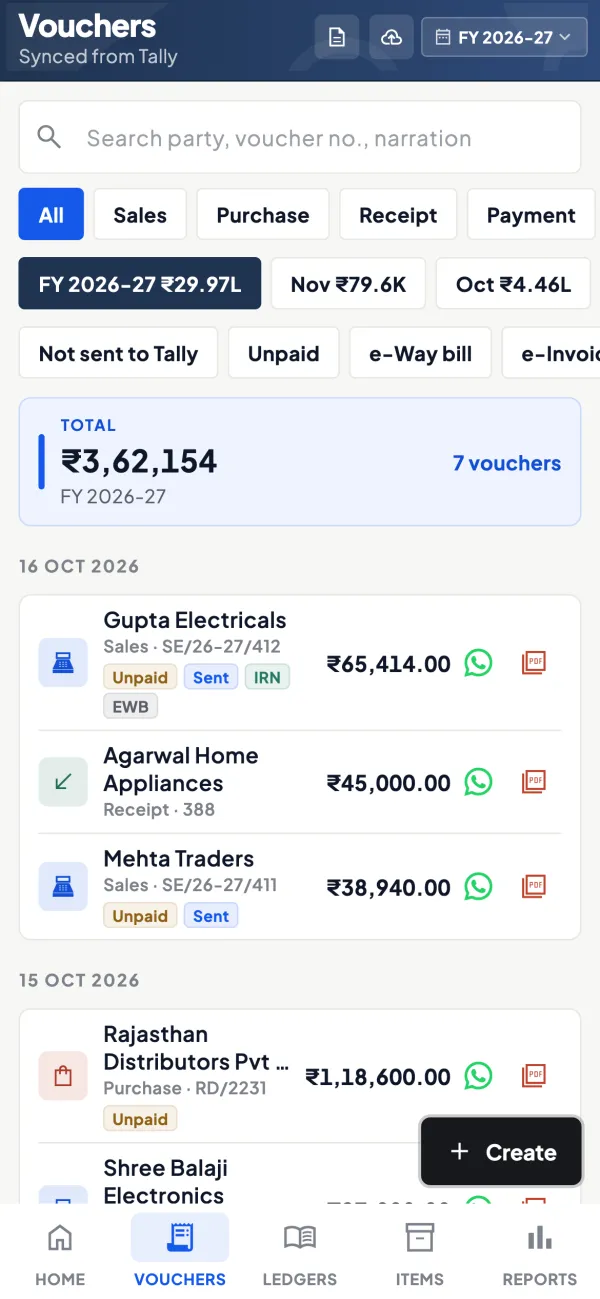
Check purchases afterwards
The AI assistant answers from the synced books, for example total purchases from a supplier this month. It does not read bills itself.
See AI assistant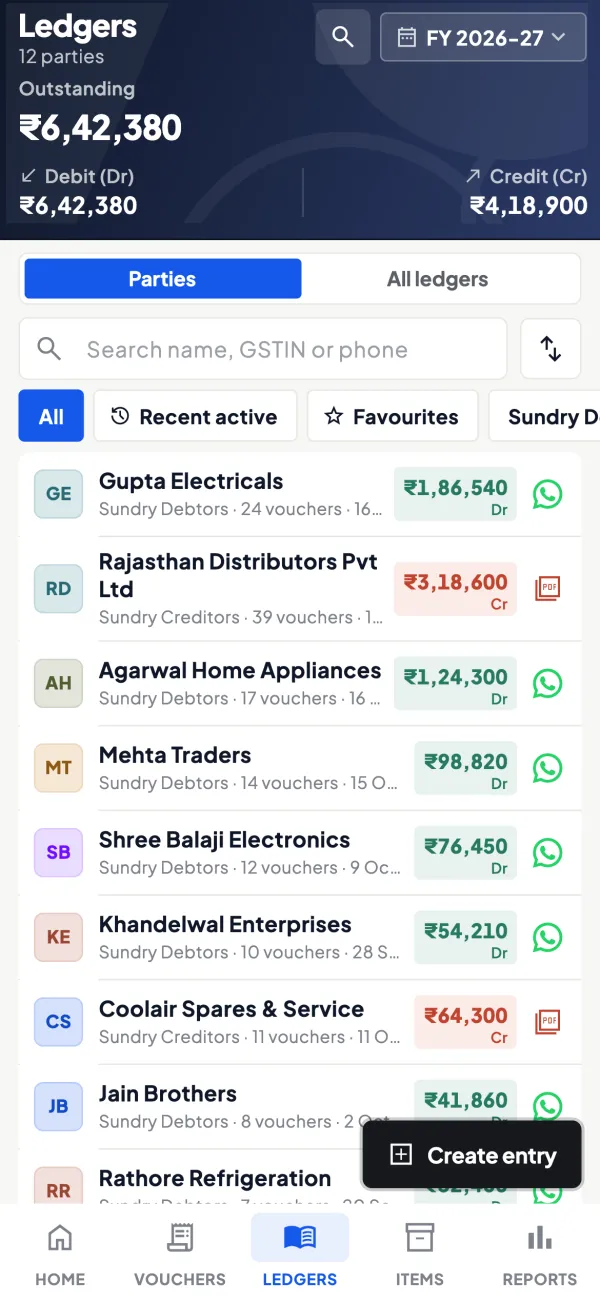
Questions people ask
How accurate is AI invoice extraction?
Can AI read handwritten bills?
Does extracted data count as the invoice for GST?
Which fields should be extracted from a GST purchase bill?
How do I spot a misread taxable value?
Should I ask suppliers for PDF bills?
When can I stop checking every extracted bill?
Can extraction help with GSTR-2B matching?
This page is general information for Indian businesses, not tax, legal or financial advice. Rules and rates change — check the official portals or your CA before acting.