Free tool · no sign-up
Online barcode scanner
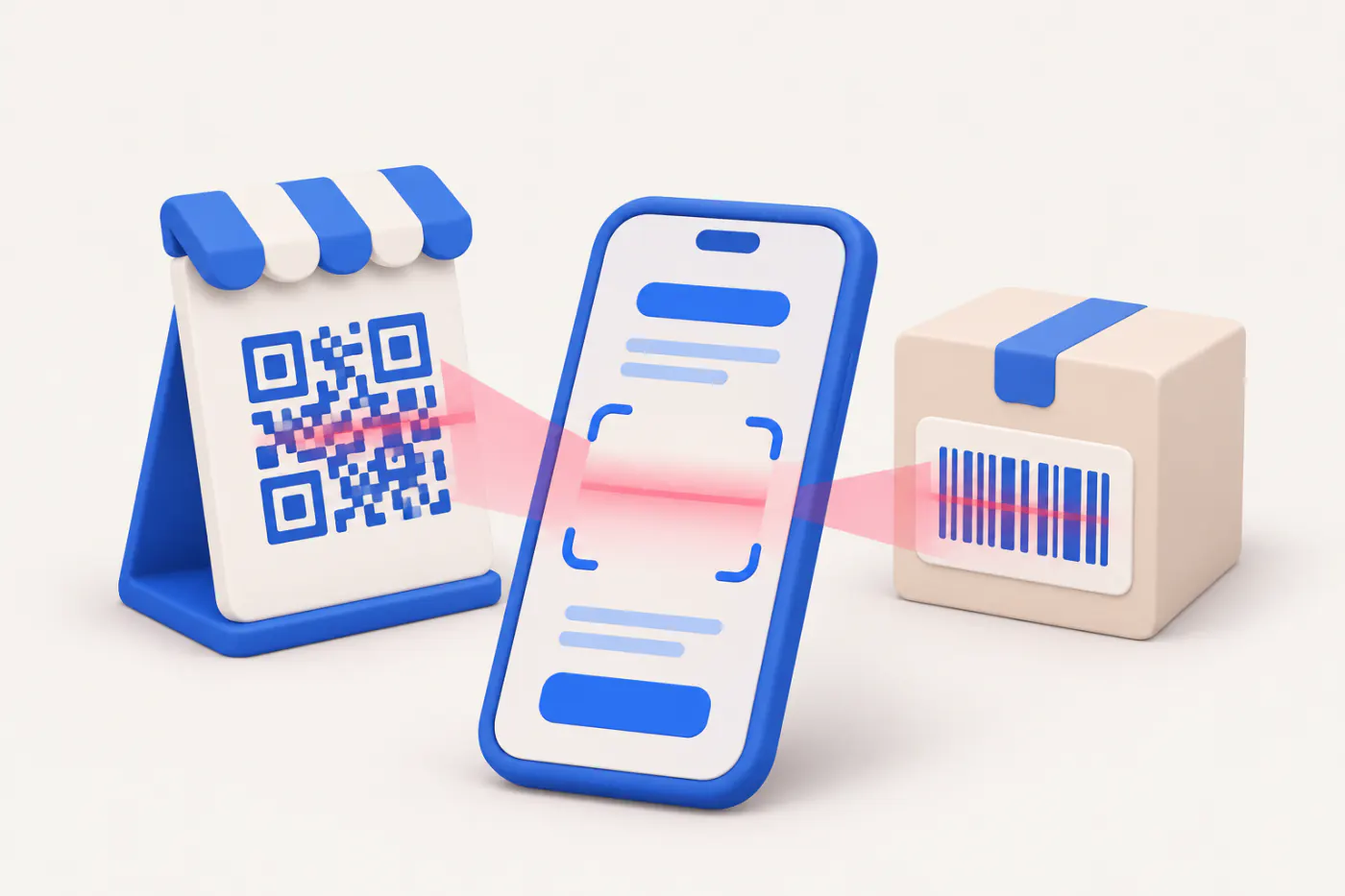
Point your camera at a barcode or QR code and build a list you can copy or download as CSV. Free, no app to install, and nothing leaves your device.
Loading…
How it works
- 1Start the cameraOr click the box and use a USB scanner.
- 2Scan codesEach code is listed with a count and a beep.
- 3Export the listCopy it or download a CSV for Excel.
Runs in your browser. Nothing you type or upload is sent to Cashflow OS.
How to scan
- Tap Start camera and allow camera access when the browser asks.
- Hold the code steady in the frame, about 10–20 cm away, in good light.
- Each code read is added to the list with the time; repeat scans of the same code raise its count.
- Tap Copy or Download CSV when you are done, and stop the camera.
Which browsers it works in
The scanner uses the browser's built-in barcode reader (the BarcodeDetector feature). It works in Chrome on Android and in some desktop browsers. At present it is not available in Safari on iPhone or in Firefox. On those, the page says so plainly instead of pretending to scan. You can still read a QR code from a photo with the QR scanner from image.
Formats read depend on the browser, but commonly include EAN-13, EAN-8, UPC, Code 128, Code 39, ITF and QR codes.
A quick stock count with your phone
For a small count — one rack, one category, a delivery that just arrived — scan each piece and let the count column add up. Download the CSV, open it in Excel and compare it with the closing stock in your books. For example, if Tally shows 48 pieces of an item and the scan shows 45, you know which three to look for before the month closes.
Read reorder levels and safety stock for what to do with the counts.
Privacy
The camera feed is processed in your browser. No video, image or code is sent to any server, and the list lives only on this page until you close it. Stop the camera when you finish; the browser shows an indicator while it is on.
Tips for reliable scans
- Light matters most. Avoid strong glare on shiny labels.
- Hold the phone parallel to the label, not at an angle.
- Very small barcodes need the camera closer and a steady hand.
- Damaged labels: reprint with the barcode generator.
Cashflow OS includes barcode labels and camera scanning as an add-on, working with your Tally stock items. See barcodes and labels.
Questions people ask
Why does it say my browser is not supported?
Your browser does not have the built-in barcode reader yet. Try Chrome on an Android phone, or scan a QR from a photo with the QR scanner page.
Does it work with a USB barcode gun?
A USB scanner types the code like a keyboard, so you can scan into any text box or spreadsheet without this page.
Is the camera video recorded?
No. Frames are read in the browser to find codes and are not stored or sent.
Can I scan many items in a row?
Yes. Keep the camera running and move from item to item; each read is added to the list.
General information for Indian businesses, not tax or legal advice. GST rates and rules change by notification — check cbic-gst.gov.in or ask your CA before you rely on a figure.